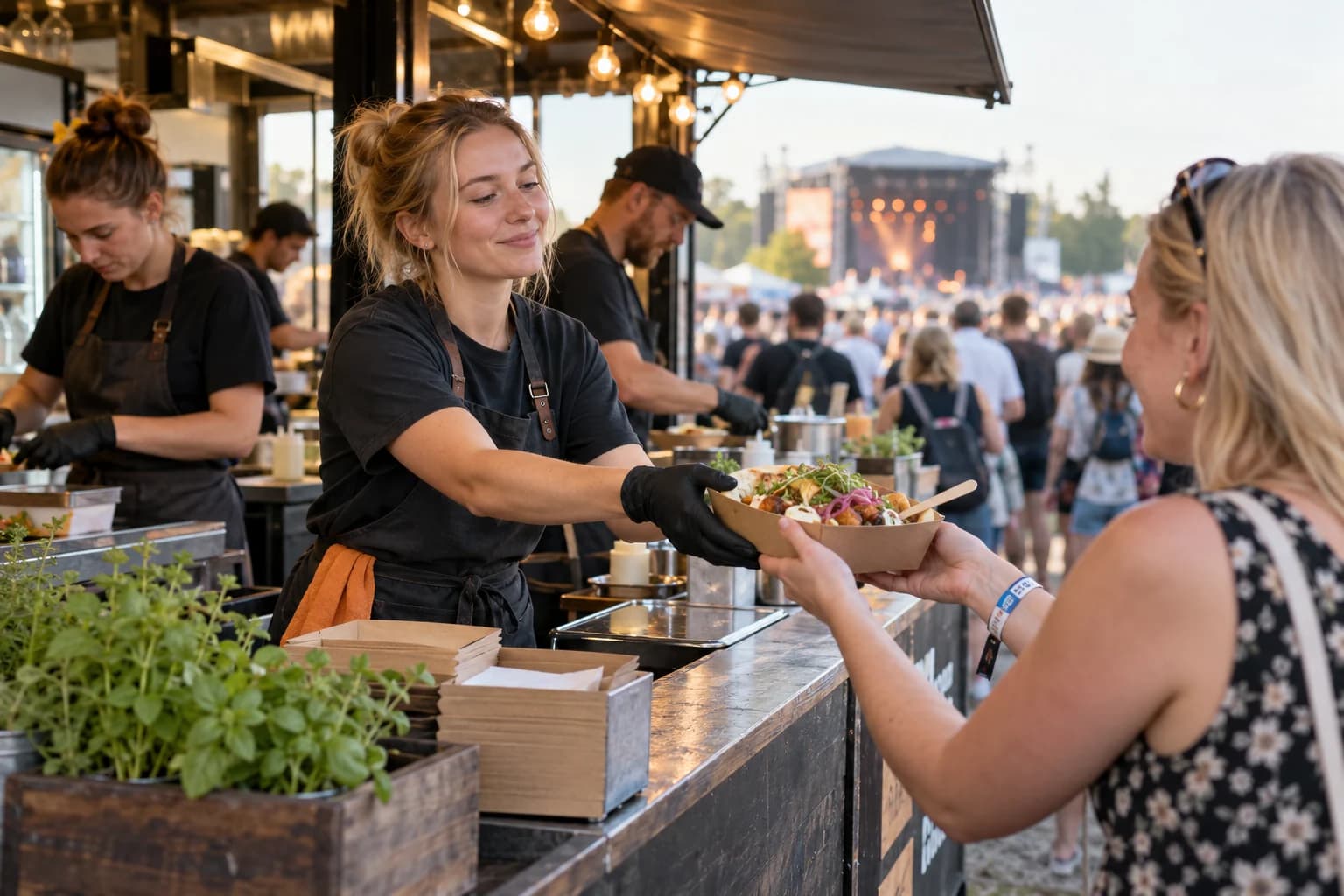
Payments and stand catering for event venues
Author: Matti Toorikka, Head of SalesUpdated
A fair starts on Monday, there's a concert on Thursday and a match on Saturday. Each time the audience, the points of sale and the payers are different. At the counter people pay by card, an exhibitor wants an invoice and a concert-goer bought a drinks voucher a week earlier. An event venue's payment setup has to bend to all of this while the figures still end up in one place. This guide explains how it works in Solmio.
One system, many events
In an event venue, points of sale open and close with each event. In Solmio a new point is opened by logging in to a till, with no installations. Kiosks, restaurants, handhelds and self-service tills are in the same system and managed from the same portal.
You don't have to size your devices for the biggest event of the year. Alongside your own tills you can rent extra devices for a season or a single event, and they arrive preconfigured with your products.
Products and prices are maintained once. The same product can be on sale at a kiosk, on a handheld, online and at a self-service till with the same price and VAT.
The payer changes, the system stays the same
Many kinds of customers pay in the same venue, and each has their own way:
- A visitor at the counter pays by card or mobile. The till can also accept ePassi benefits.
- A visitor in advance buys food and drink vouchers online and shows the QR code at the till.
- A corporate group orders vouchers on invoice, and you decide whether to invoice the whole order or only the vouchers used.
- An exhibitor orders stand catering online and pays by card or on invoice.
- Staff and guests get meal or drink benefits as eVoucher batches, thousands at a time if needed.
All of these are recorded in the same system. No separate voucher system, order form or invoicing spreadsheet.
Payments must not stop
When thousands buy in the same break, the till can't be left waiting. In Solmio two or three payment providers can be used in parallel, on different devices or on the same device. If one goes down, another carries on.
The till stores sales on the device during a network outage and moves them to the reports when the connection returns. The venue can get its own network with backup connections, and payment terminals can carry SIM cards from different operators.
Read more in the guide What to do when your till has no internet connection and on the page about securing event payments.
The online shop and tills are the same sales
In an event venue the online shop isn't a separate system but part of the same till. An order paid online is recorded as a sale of the chosen point of sale and shows in the same reports as counter sales.
- The voucher shop sells food and drink vouchers in advance to visitors and companies. A voucher is redeemed at the till with one scan, and the same voucher can't be used twice.
- QR self-service lets visitors order and pay on their phone for pickup or table delivery. The order goes to the point of sale after payment, and the counter queue gets shorter.
- A self-service till spreads the rush in a restaurant or café with the same products.
Read more in the guide Which online shop fits your sales?
Stand catering in the same setup
At fairs and congresses stand catering is its own sales. Without a system, orders arrive by email, some updated twice, and someone builds one spreadsheet for the kitchen and another for invoicing. In Solmio the exhibitor orders online themselves, and the information is ready in the right place.
The event is built once. The catering shop is opened as an event in the portal's Event Studio. On the event's venues and delivery tab you add halls and stands and the delivery windows, the times catering can be ordered for. Products come from the till with their prices and VAT rates. When you set ordering times, the shop closes on time.
Exhibitors order themselves. The customer opens the shop from a link, chooses the hall, stand and delivery time and then the products. A product-specific deadline stops, for example, special dishes from being ordered too late. A company with invoicing permission orders on invoice and can give the order its own reference, and others pay by card without logging in. The shop can also be embedded on the organiser's site.
The kitchen sees quantities, the waiter a work queue. Orders are gathered into the kitchen's picking list, available by location, and the product matrix shows at a glance how many of each product are needed. The waiter sees their own work queue on their phone: who ordered, where, when and what. Delivery is marked ready and delivered, and the day's orders can be printed as a PDF. Customer messages about an order show in the portal.
Same sales, same invoice. A catering order is recorded as a till sale for the chosen point of sale, and a report can compare ordered quantities with stock levels. Orders placed on invoice are gathered into a combined invoice per event, and a row already invoiced isn't included in the next invoice.
Ready for next year. A finished event can be saved as a template. When the same fair returns, the products, texts, images, halls, stands and delivery windows are ready.
The same fair can also have a voucher shop for visitors, so exhibitors and the public buy from the same venue with the same products. Read more on the page Catering orders for fairs.
Figures per point, invoices in one go
After the event you see each point of sale's and channel's sales in the same report. Vouchers sold in advance and their redemptions show in the eVoucher report as quantities and euros.
Business customers' invoice sales from the till, the online shop and stand catering are gathered into combined invoices, for example by customer and event. Invoices and the day's sales go to your financial system with a ready integration, and all data is also available through the API.
Read more in the guides Invoicing business customers and POS integrations.
Ailo helps you anticipate the next event
The last event's figures are the best basis for planning the next one. Solmio Ailo answers questions with your venue's own figures: which points got congested, when sales peaked and which products ran out first. Ask as you would ask a colleague, for example "How did last year's fair sales split by hour and point of sale?".
The answers show which points need more sellers, when to open handhelds and which products to stock more of. Ailo can also create and send an eVoucher batch in a chat, for example meal benefits for performers or volunteers. It goes out only when you approve it.
Ailo is being developed towards forecasting. From sales history and upcoming events it could estimate rush hours in advance and suggest seller numbers and purchases. Read more in the guide AI in your POS system.
Before the season starts
- List your event types and their points of sale: fairs, concerts, matches and corporate events.
- Decide payment methods for visitors, companies and exhibitors.
- Connect online payments and financial management once for the whole venue.
- Build the first event and save it as a template.
- Plan the network and backup connection before the first big audience.
Let's plan your venue's payments together
In a demo we go through your venue's events, points of sale and payers. We look at how counters, the online shop, stand catering and invoicing fit into one setup.
See tills for arenas and fairs or tell us about your venue's events.
Frequently asked questions
Can points of sale be opened and closed per event?
Yes. A new point is opened by logging in to a till without installations, and devices can also be rented for a season or a single event.
Do the online shop and tills use the same products?
Yes. The voucher shop, catering shop and QR self-service sell till products at till prices, and online sales are recorded for the chosen point of sale.
How do business customers pay?
On invoice, when invoicing is allowed for the customer. Stand catering, vouchers ordered in advance and the till's invoice sales are gathered into one combined invoice, for example per event.
How does stand catering find the right stand?
When ordering, the exhibitor chooses the hall, stand and delivery time from the options you set for the event. The information travels with the order to the kitchen and the waiter.
What if a payment provider or the network goes down?
Two or three payment providers can be used in parallel, so if one goes down, another carries on. The till also stores sales during a network outage, and the venue can get its own network with backup connections.
How does Ailo help with event planning?
Ailo shows previous events' sales by point of sale, hour and product with your own figures. Based on them you size sellers, handhelds and product quantities for the next event.
Do we have to build every event from scratch?
No. A finished event can be saved as a template, so the products, texts, halls, stands and delivery windows carry over to the next one.