

A catering shop for trade fairs and event catering
Stand catering is ordered online, and the kitchen gets a ready list
At trade fairs, exhibitors order coffee, lunch and catering for evening events for their stands. Orders that arrive by email and phone have to be gathered by hand for the kitchen and the waiters. In the catering shop, exhibitors order for their own stand and choose a delivery time. The kitchen and waiters see orders straight in their own views.
The catering shop is part of the Solmio online store. The same event can also open a voucher shop for visitors.
The order reaches the right stand
The customer chooses the hall, stand and delivery time. Every order comes with its place and time.
No late orders
You set the ordering times, and a product can have its own deadline. After the deadline the product can no longer be ordered.
Invoicing from the same service
Business customers order on invoice, and invoices go out from the Invoicing page in Solmio HQ, just like till invoices.
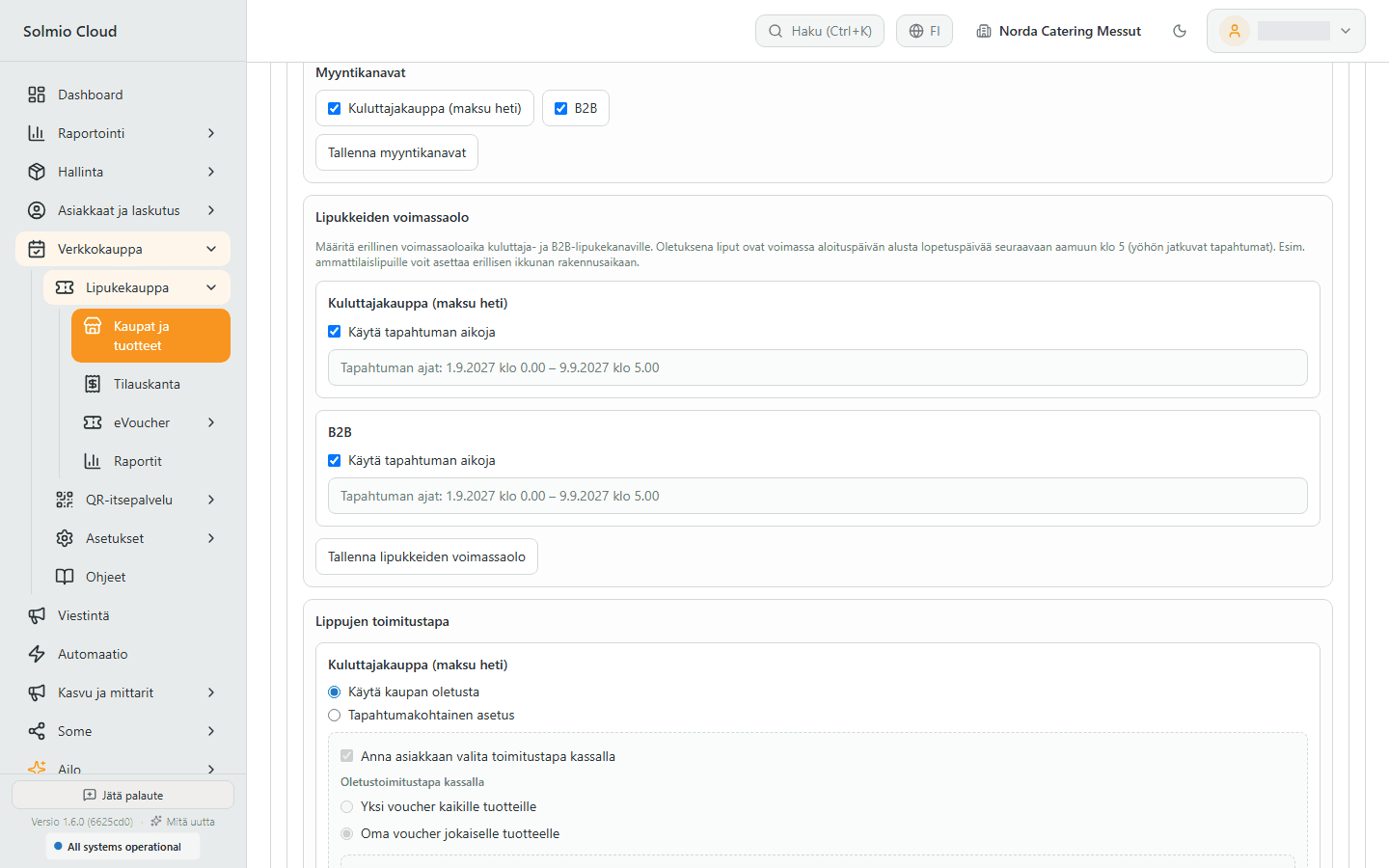
Halls, stands and delivery windows
You add the event's halls, their stands and the delivery windows. Exhibitors order for their own stand and choose a delivery time, so there is no need to gather orders from emails.
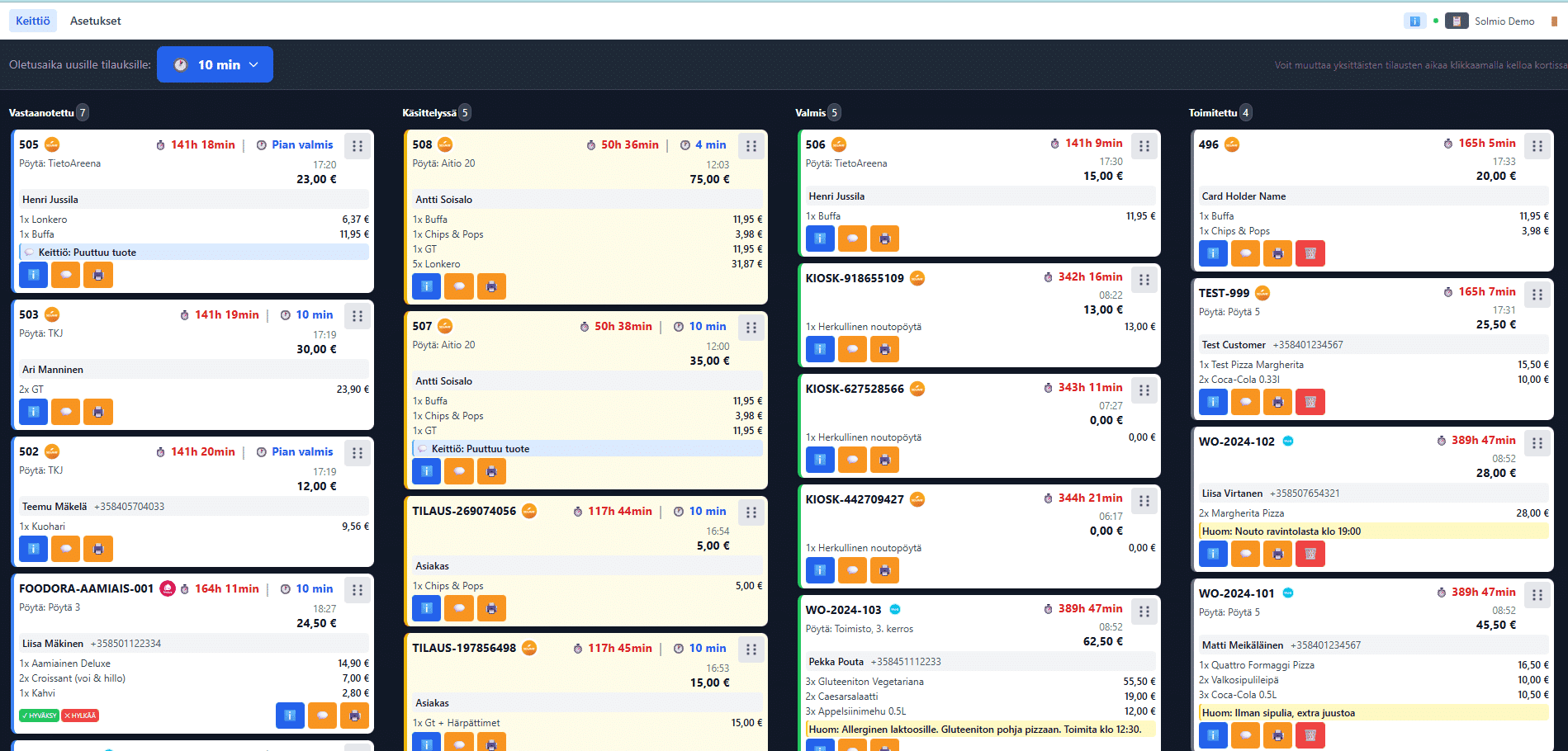
A picking list for the kitchen
The kitchen sees the ordered products gathered by event, without customer details. You can choose a picking list or a product matrix, and the list can be printed.
A work queue for waiters
Waiters have their own view on their phone, where deliveries are checked off. A print view shows orders by the hour. A waiter's view can be limited to certain halls and stands.
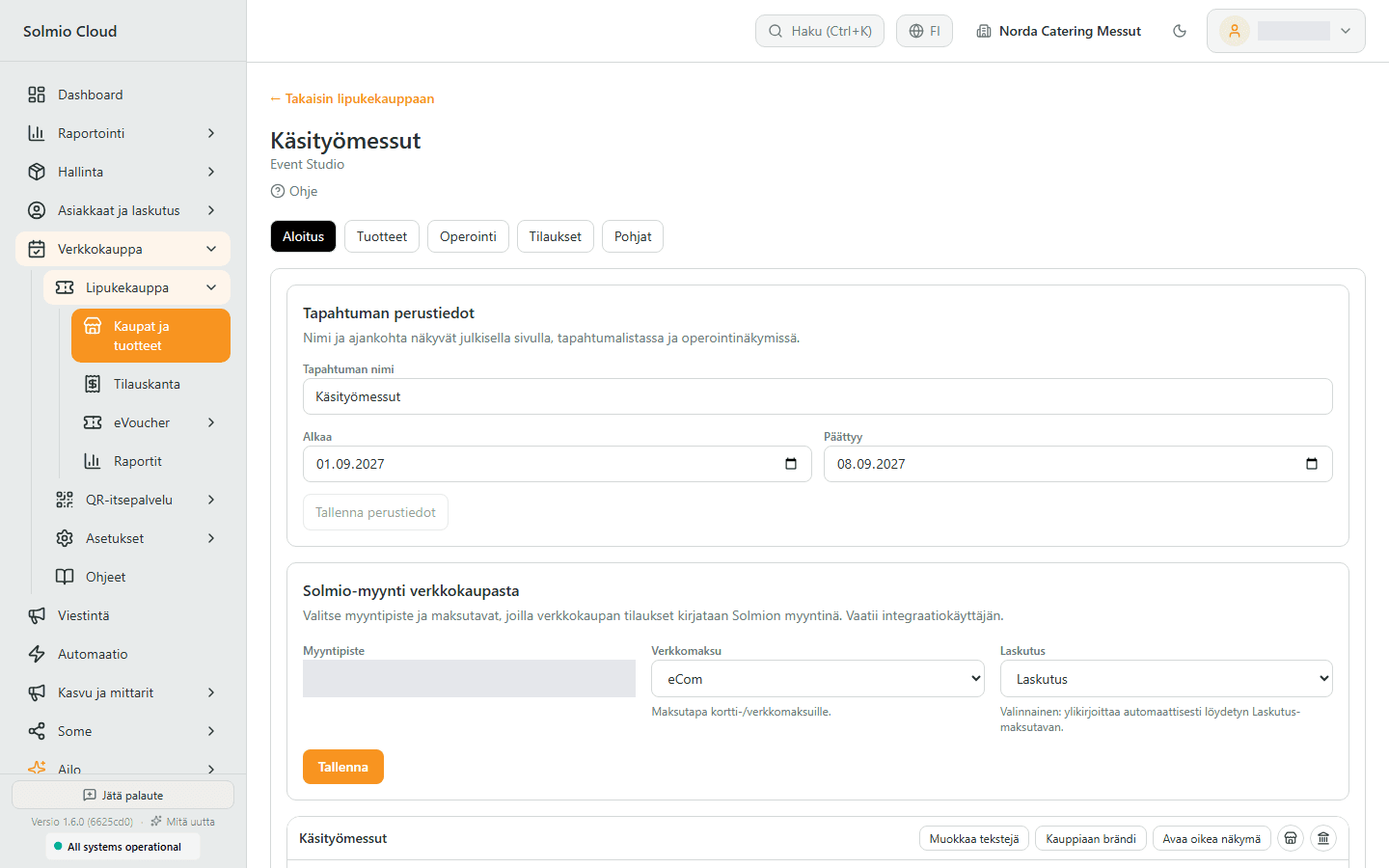
Till products, till sales and stock
Your till products are added to the shop. Orders are recorded as Solmio-kassa sales for the sales point you choose, and a report compares ordered quantities with the till's stock.
Features for your everyday work
Explore the tools selected for this solution. Open a feature to see how it helps your business.
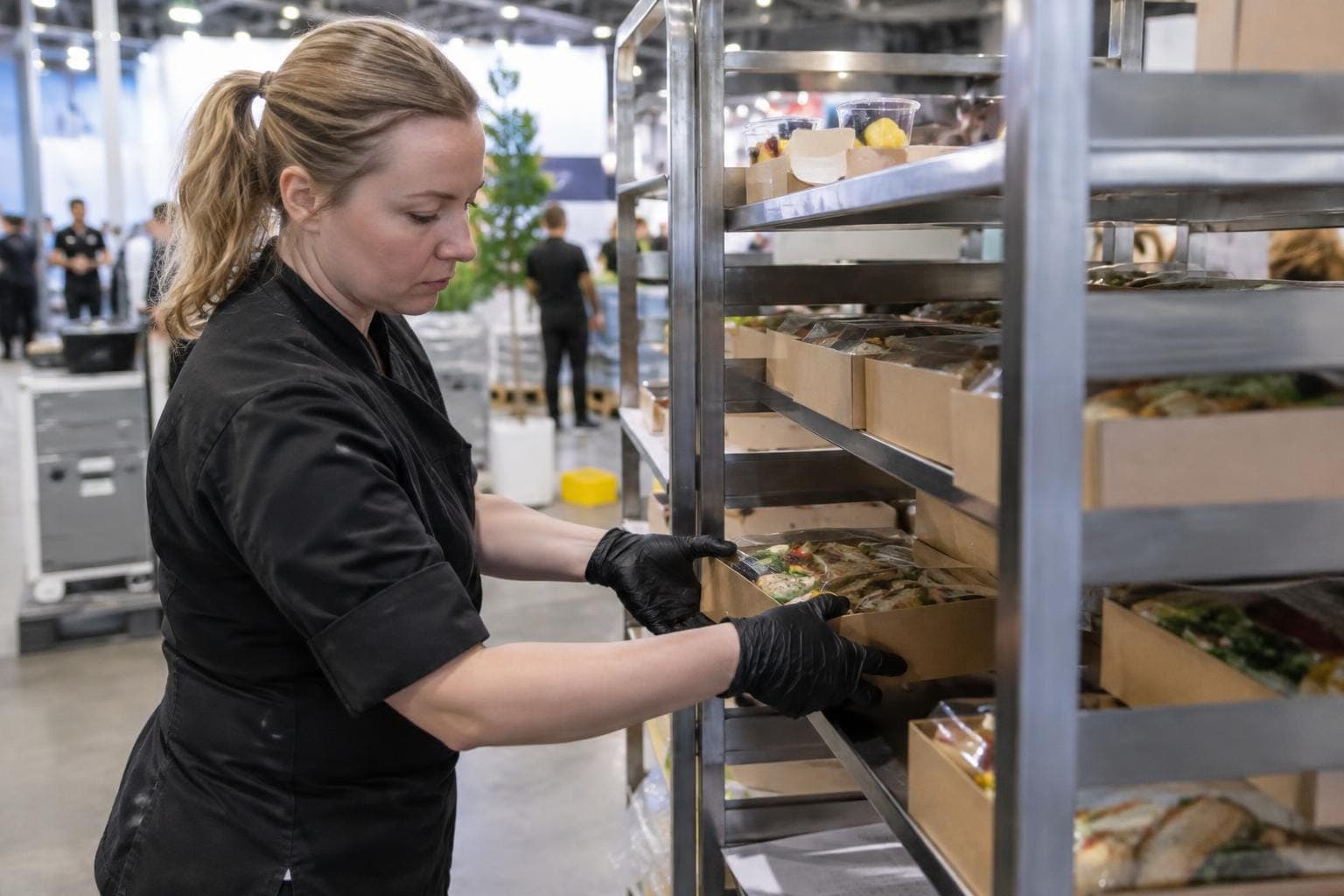
Catering shop
Collect department catering orders online before the event.

Webshop
Take your sales online with the same POS.

Invoicing
One invoice to the customer for till and webshop sales.
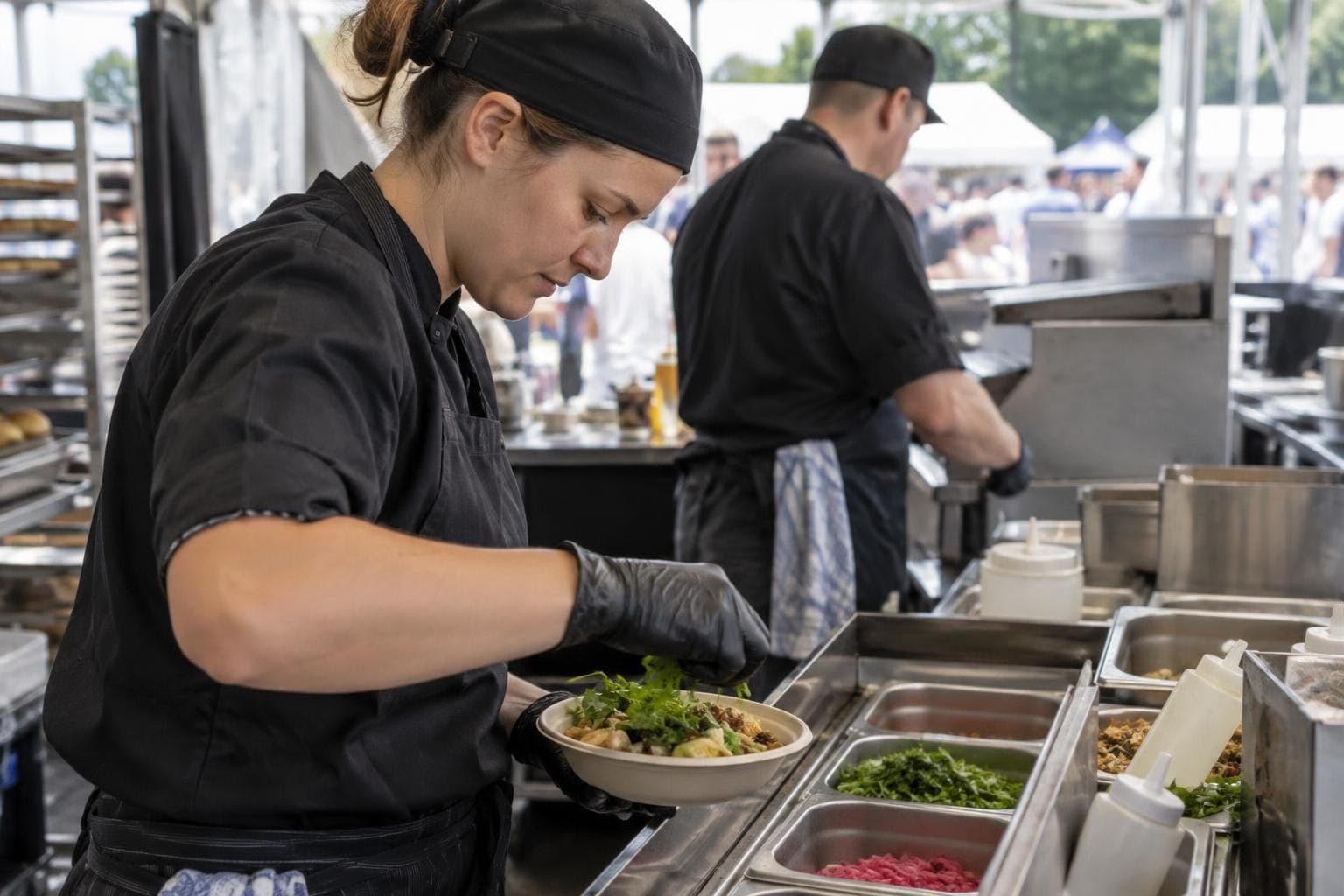
Kitchen communication
Keep your kitchen and sales in sync.

Reporting
Know what sells, and where.
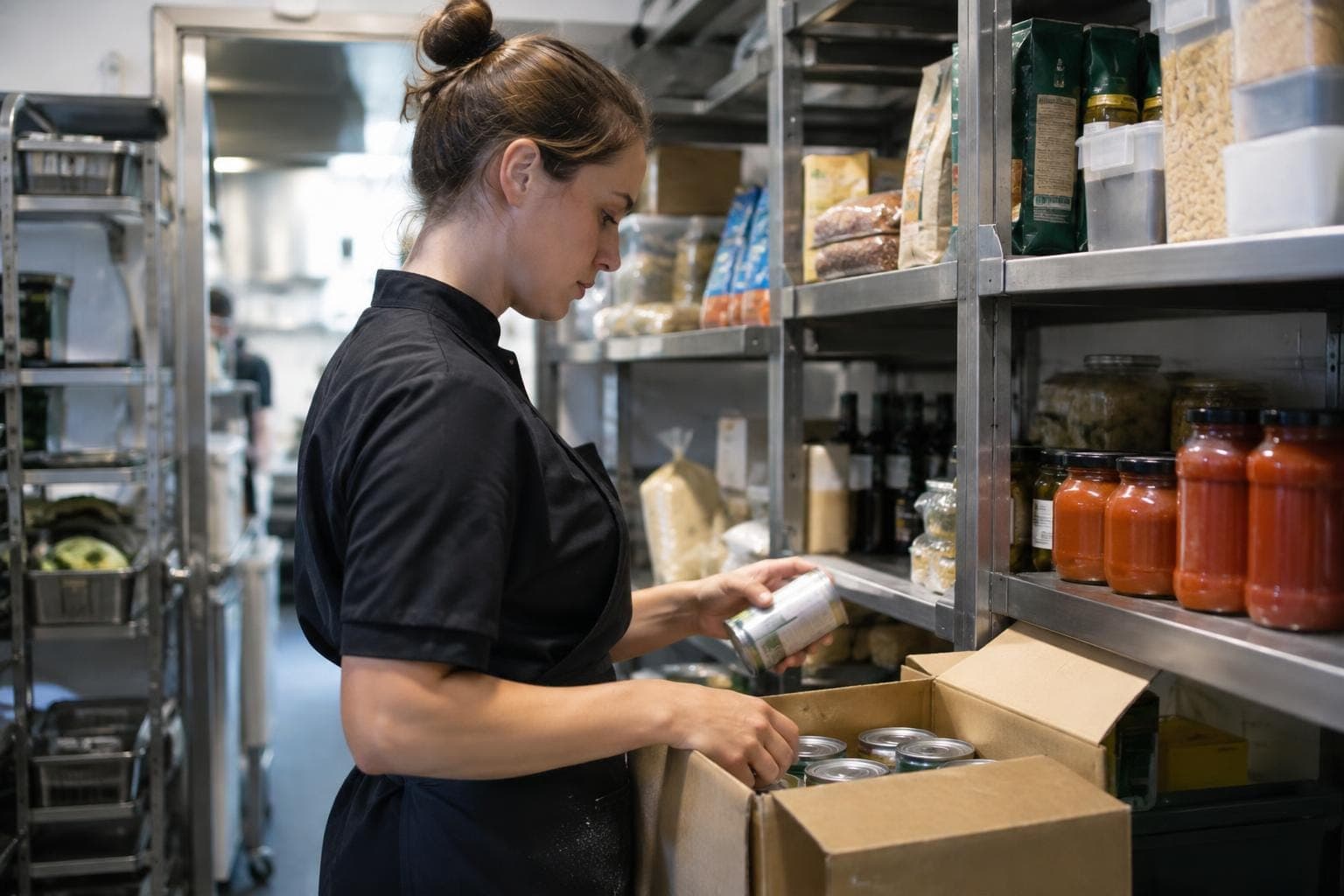
Warehouse
Keep sales and stock in sync.
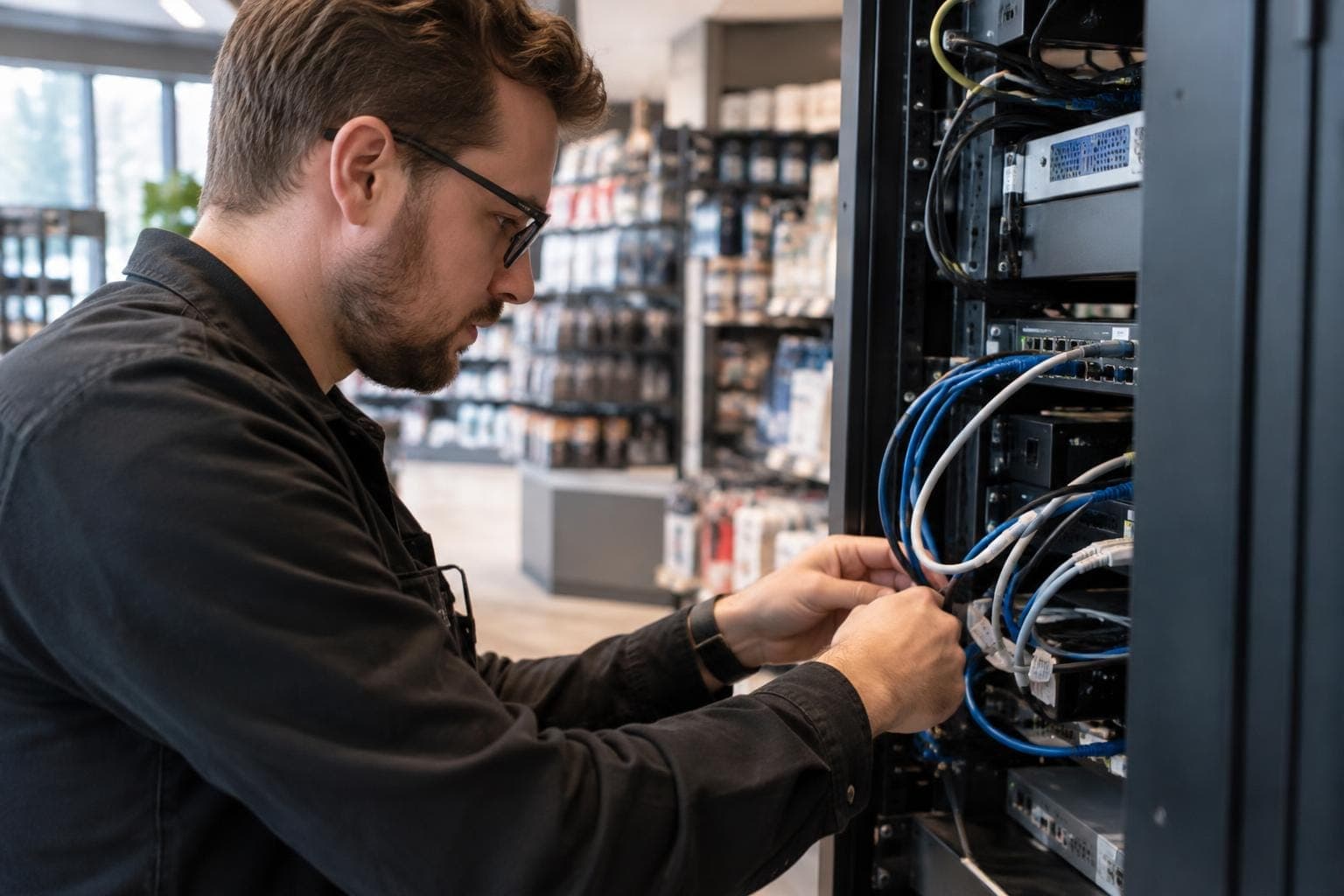
Integrations
Make your systems work together.
How it works
1
Build the event
Create the shop and switch on catering orders. Add halls, stands, delivery windows and ordering times.
2
Add products
Add your till products to the catering shop and allow invoicing for business customers.
3
Share the link with exhibitors
Exhibitors order online for their stand and choose a delivery time.
4
The kitchen prepares, the waiter delivers
Orders appear on the picking list and in the work queue. When orders are done, invoices go out from the Invoicing page.
Frequently asked questions
Can a customer order for different times for the same stand?
Yes. The customer chooses the delivery time from the windows set for the event.
How do I stop orders that come in too late?
Set ordering times for the event and, when needed, a deadline per product. After the deadline the product can no longer be ordered.
Can a customer add notes to an order?
Yes. Messages can be attached to an order, and new messages show in the order list.
Can a waiter see only their own halls?
Yes. A waiter's access can be limited by hall and stand.
How is invoicing handled?
You allow invoicing per customer. When orders are done, you send invoices from the Invoicing page.
Stand catering is ordered online, and the kitchen gets a ready list
The demo is free and comes with no commitment. A specialist gets back to you within one working day and can visit you on site.