QR ordering in a restaurant: how it works
Author: Matti Toorikka, Head of SalesUpdated
QR ordering in a restaurant means the customer opens the menu on their phone from a QR code, chooses items and pays for the order. With Solmio QR ordering, a paid order goes to the kitchen and the sale is recorded in the POS system. The customer doesn't need to download a separate app.
The customer orders on their own phone
The customer scans a code, for example on the table. The menu opens in the browser, where they can browse items, see pictures and make the choices offered for a dish. Before paying, the customer sees which table the order will be delivered to.
The Solmio menu works in Finnish and English. The payment methods depend on the payment provider you choose, so check them when you get started. After paying, the customer can follow the order's progress on their phone and gets a receipt to the email address they gave.
How the order shows in the kitchen
A Solmio QR order goes to the kitchen only after a successful payment. The kitchen sees the order in the same view as orders from the till and the online shop.
On a terrace, for example, a customer can order two dishes and drinks on their phone. The table information and the customer's item choices travel with the order. Staff prepare and deliver the order according to how the restaurant has divided the work.
Before opening, go through who follows new orders and who makes sure they move forward. A new ordering channel needs clear ways of working, also when the dining room and the counter are busy at the same time.
Give customers clear dish options
You can set, for example, ingredients to leave out, doneness levels and extras. In Solmio you decide which choices are required and how many options the customer can pick. The price updates according to the choices made.
Keep the names short and easy to understand. The customer needs to know what a choice changes and whether it costs extra. Also show how to reach staff if there is no suitable option or the customer has a question about a dish.
Table delivery or pickup?
Choose how orders are served based on your service. On a terrace, the order can be delivered to the table. At a pickup point, the customer needs to know where and when to collect the order.
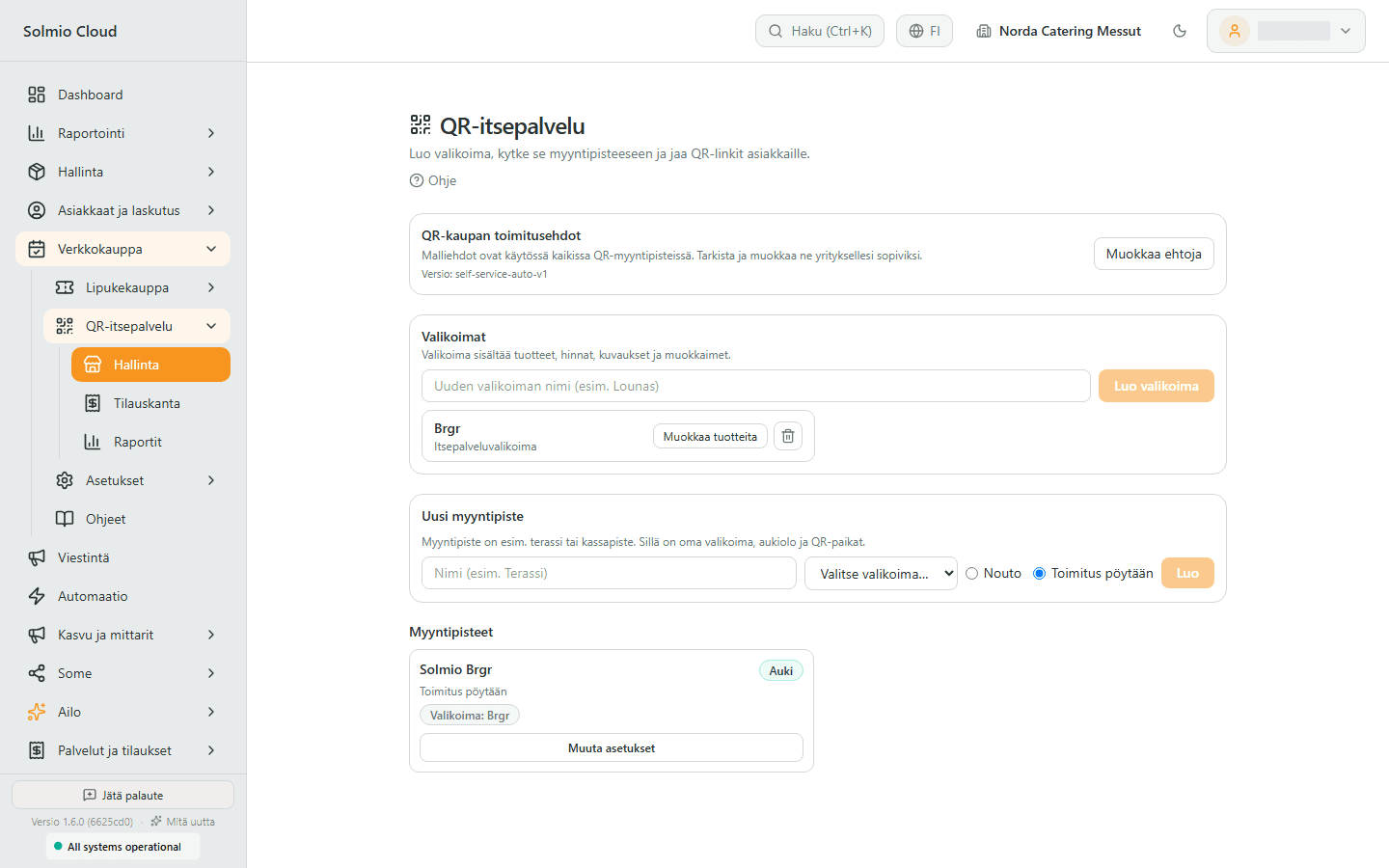
In Solmio, QR spots can be created as a series, for example tables 1–20. Print the codes and test each one where it is placed. When furniture is moved, also check that table numbers and codes still match.
Can customers still order from a waiter?
QR ordering can work alongside orders taken by staff. Tell customers clearly which options your restaurant has. Not everyone wants to order by phone, and some need help.
Also agree with staff how to handle additional orders and changes to orders that have already been paid. Try these situations in a demo instead of assuming they work the same way as an open table bill.
Check before you start
- Menu names, prices, pictures and options are up to date.
- The code opens the menu for the right table or pickup point.
- The customer sees the payment methods and delivery method before paying.
- A paid test order shows in the kitchen with the right details.
- Staff know how to handle changes and help customers.
- Sales show in the reports of the right point of sale.
See Solmio QR ordering and ask for a demo with your own menu. For the wider picture, see the restaurant POS solutions.
Frequently asked questions
Does the customer need an app for QR ordering?
No. The menu opens in the phone's browser from the QR code.
When does a QR order show in the kitchen?
Only after a successful payment. The kitchen sees the order in the same view as orders from the till and the online shop.
Does QR ordering work for both table service and pickup?
Yes. QR spots can be created as a series, for example tables 1–20, or for a pickup point.
Which languages does the QR menu support?
Finnish and English.
Can customers still order from a waiter?
Yes. QR ordering works alongside orders taken by staff.