

A voucher shop for events, trade fairs and catering
Sell food and drink vouchers in advance
In an event rush, every payment at the till takes time. When customers buy lunch or a drink online in advance, the till only reads a QR code. The online purchase is recorded as a Solmio-kassa sale.
The voucher shop is part of the Solmio online store. Trade fairs can also use the catering order shop, and restaurants QR ordering from the table.
A voucher on the phone
The customer gets the voucher by email and can save it to Apple or Google Wallet. The link shows what has already been used.
Redeemed at the same till
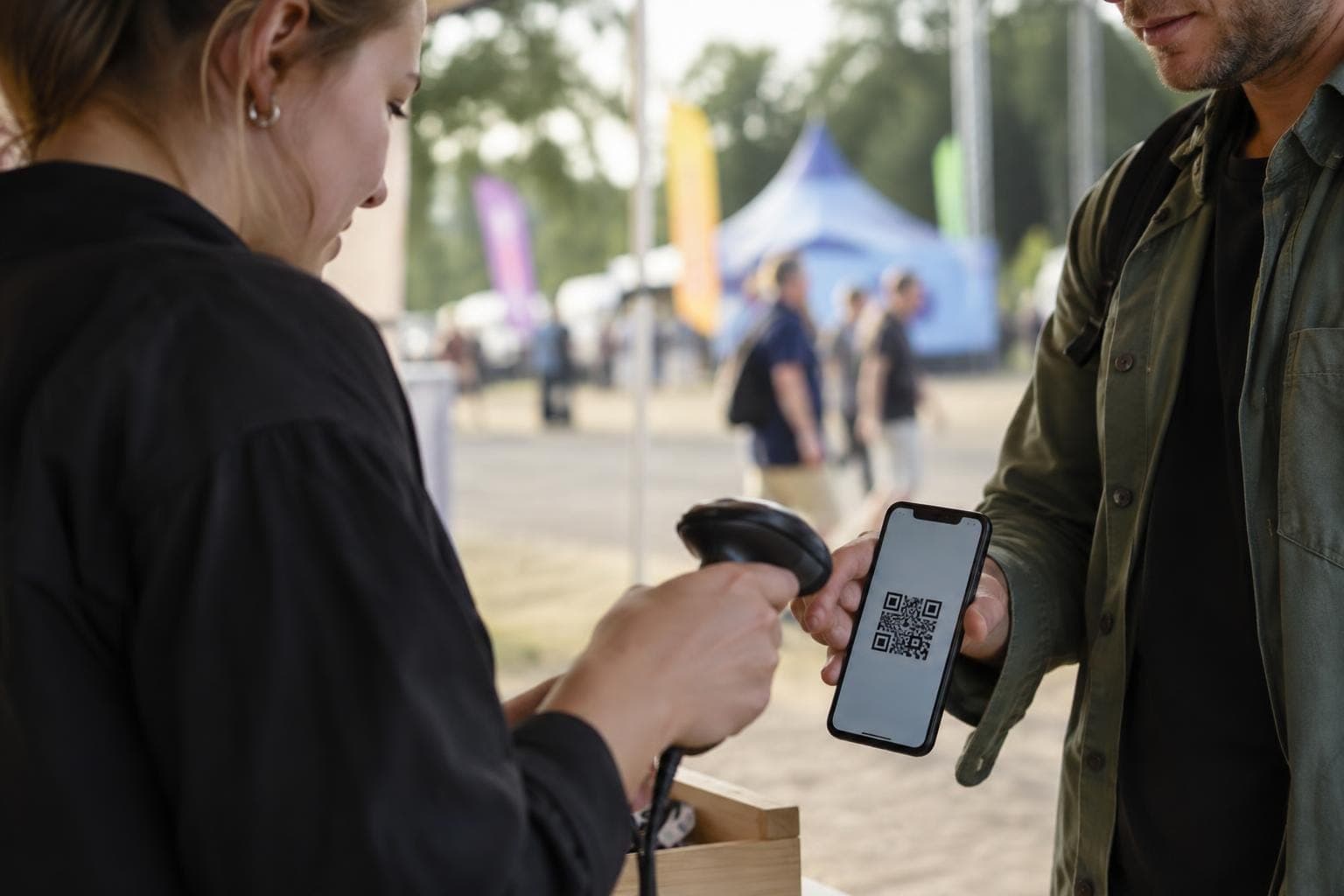
The voucher is read on Solmio-kassa from the QR code or Wallet pass, on the same till you use for everything else.
Sales in your till reports
Every online purchase is recorded as a Solmio-kassa sale for the sales point you choose.
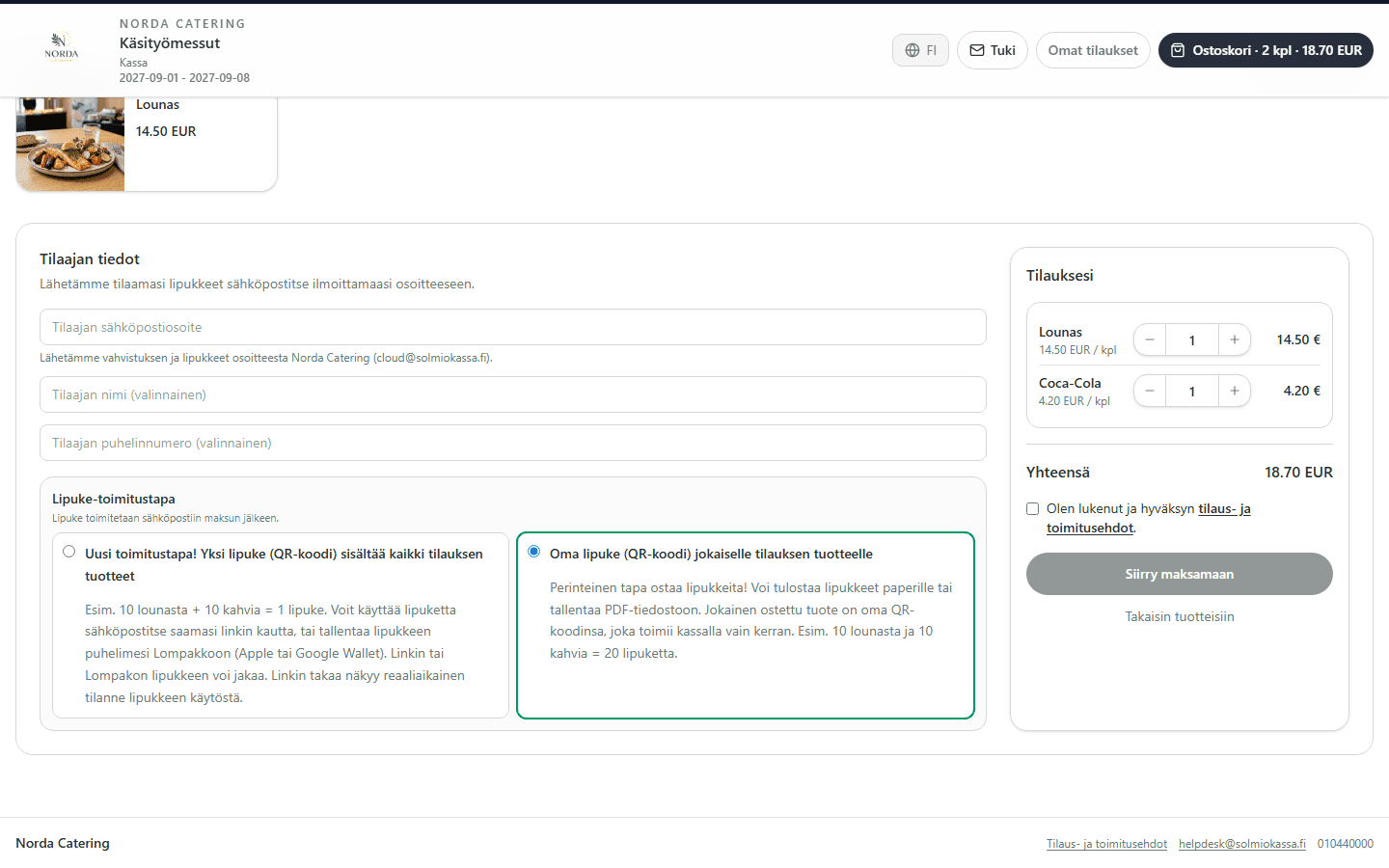
One voucher or one per product
10 lunches and 10 coffees can be one QR code or 20 separate vouchers. The customer chooses at checkout, or you decide in the shop settings. A shared voucher link can be passed on, and separate vouchers can be printed or saved as a PDF.
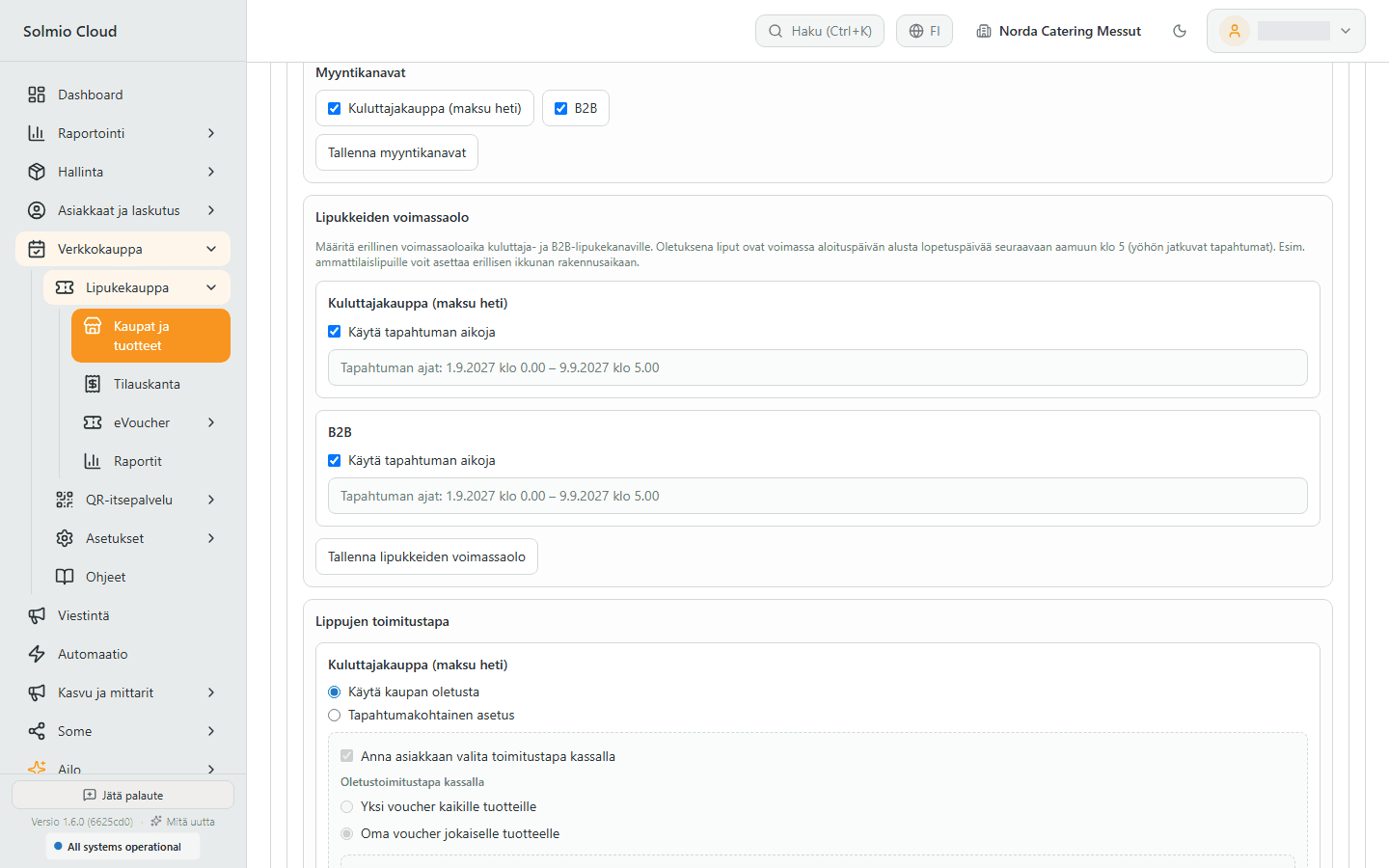
Consumers pay at once, companies on invoice
The same shop has separate entrances for consumers and companies, each with its own products. A company orders on invoice if you have allowed it for that customer. You can invoice the whole order or only the vouchers used.
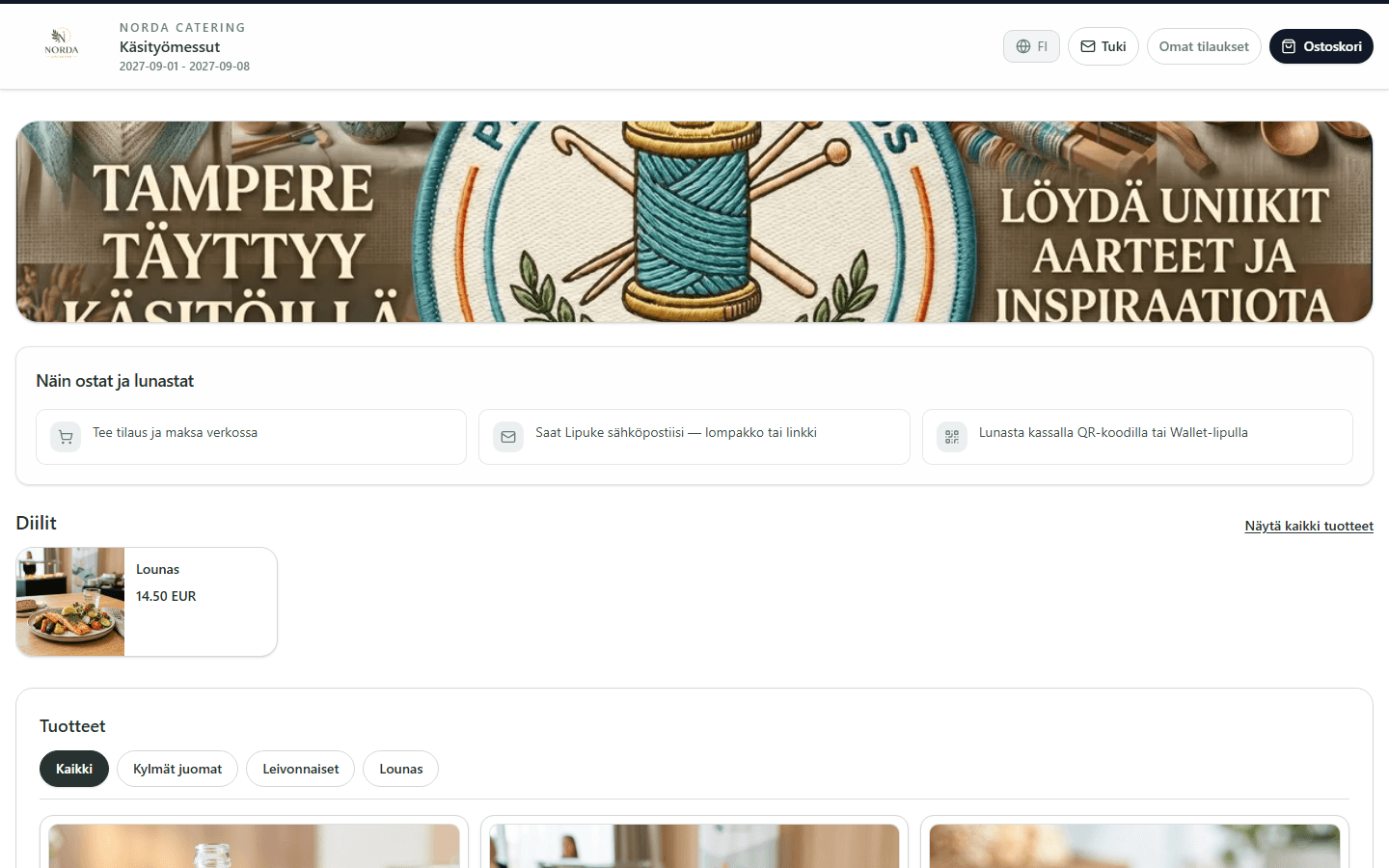
Validity by group
Vouchers are valid for the duration of the event by default. You can give a group its own window, for example build-up days for exhibitors.
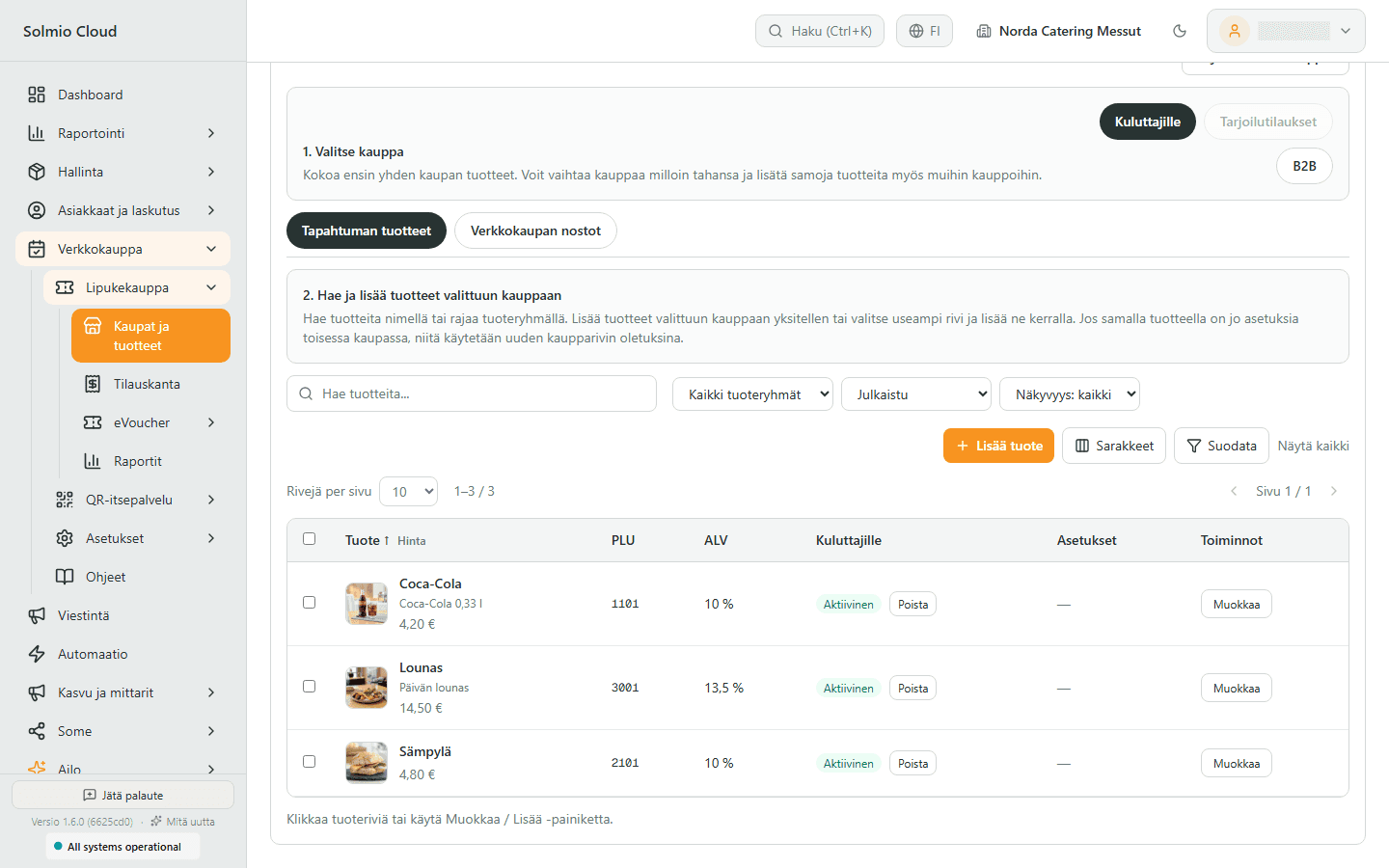
Products and prices from the till
Vouchers are sold for your till's products and bundles. Price and VAT come ready, so nothing is maintained in two places.
Features for your everyday work
Explore the tools selected for this solution. Open a feature to see how it helps your business.
eVouchers
Make rewards and gifts digital.
Ticket shop
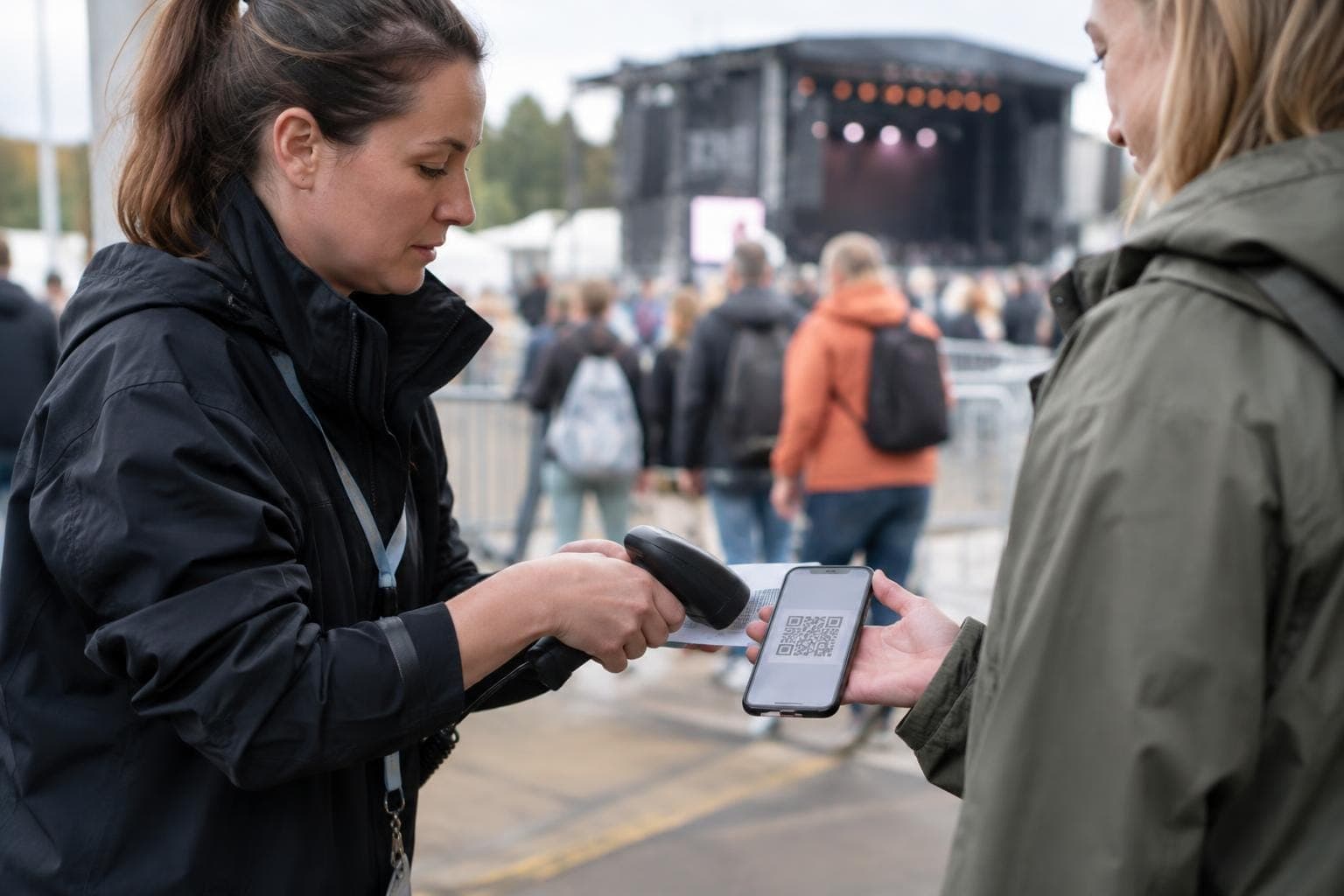
Sell products before the event – the customer gets a QR ticket, you get the order.

Webshop
Take your sales online with the same POS.

Invoicing
One invoice to the customer for till and webshop sales.

Reporting
Know what sells, and where.
Integrations
Make your systems work together.
How it works
1
Create a shop for the event
Give it a name, a web address and a sales period. Choose whether you sell to consumers, companies or both.
2
Choose products and rules
Add your till products to the shop. Set the validity period and delivery method.
3
Share the link
The customer buys online and gets the voucher by email and on their phone.
4
Redeem at the till
At the event the voucher is read at the till, and its use shows in your reports.
Frequently asked questions
What if a customer can't find their voucher?
The voucher is in the order confirmation link and on the shop's My orders page. You can also resend an existing voucher from the order.
Can the same voucher be used twice?
No. A separate voucher works at the till only once. A shared voucher's usage shows in real time in its link.
Can I sell different products to consumers and companies?
Yes. You choose the products for each group separately.
How does a business customer pay?
On invoice. You allow invoicing per customer. You invoice either the ordered or the used vouchers, and invoices are sent from the Invoicing page in Solmio HQ.
Does voucher sales show in the till reports?
Yes. A paid order is recorded as a Solmio-kassa sale for the sales point you choose.
Sell food and drink vouchers in advance
The demo is free and comes with no commitment. A specialist gets back to you within one working day and can visit you on site.