
POS for table service
Floor and kitchen in step. You focus on your guests.
- A ready till from €79/month
Device, software and payment terminal, excl. VAT.
- Each additional till €39/month
+ device and payment terminal. Every additional till costs less than the first.
We answer in 13 seconds on average
WhatsApp in the evenings and at weekends too. A replacement device fast when you need one.
Table four is splitting the bill. You still have time for the next table.
Friday, 8.15 pm. The room is full. Two tables are waiting for dessert, a party of eight wants to pay separately, and the kitchen is asking what table seven ordered. The waiter is at the other end of the room.
When orders travel on paper slips, by shouting, or through two separate systems, guests notice before the shift is over. The bill is late, a plate waits at the pass, and the next party is standing at the door.
The same Friday with Solmio, 8.15 pm. Table seven's plates are already at the pass, because the kitchen saw the order the moment it was entered. The party of eight each pay their own share at the table, and the waiter has time to ask the next table about dessert. Your staff have time for the part of the evening guests remember.
From the table to the kitchen
The order appears in the kitchen as soon as it is entered. Nobody has to walk out to the floor to ask what table seven is having.
Every table on its own
A table's orders stay in one place all evening. When the shift changes, the next waiter sees where things stand.
The bill splits at the table
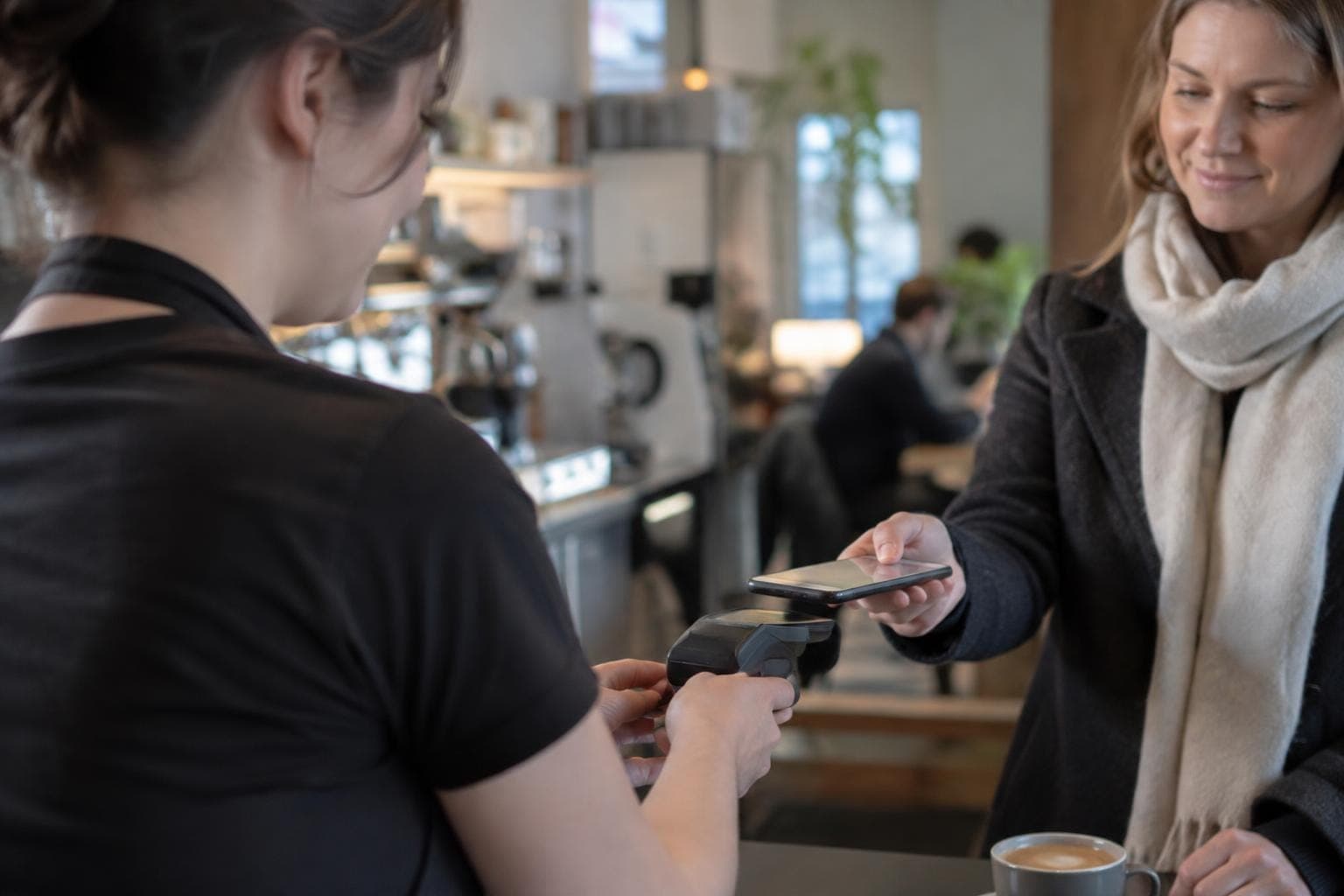
A party of eight wants to pay separately. The bill is split in a few taps, and the next table is served at the same time.
Kitchen and floor on the same page
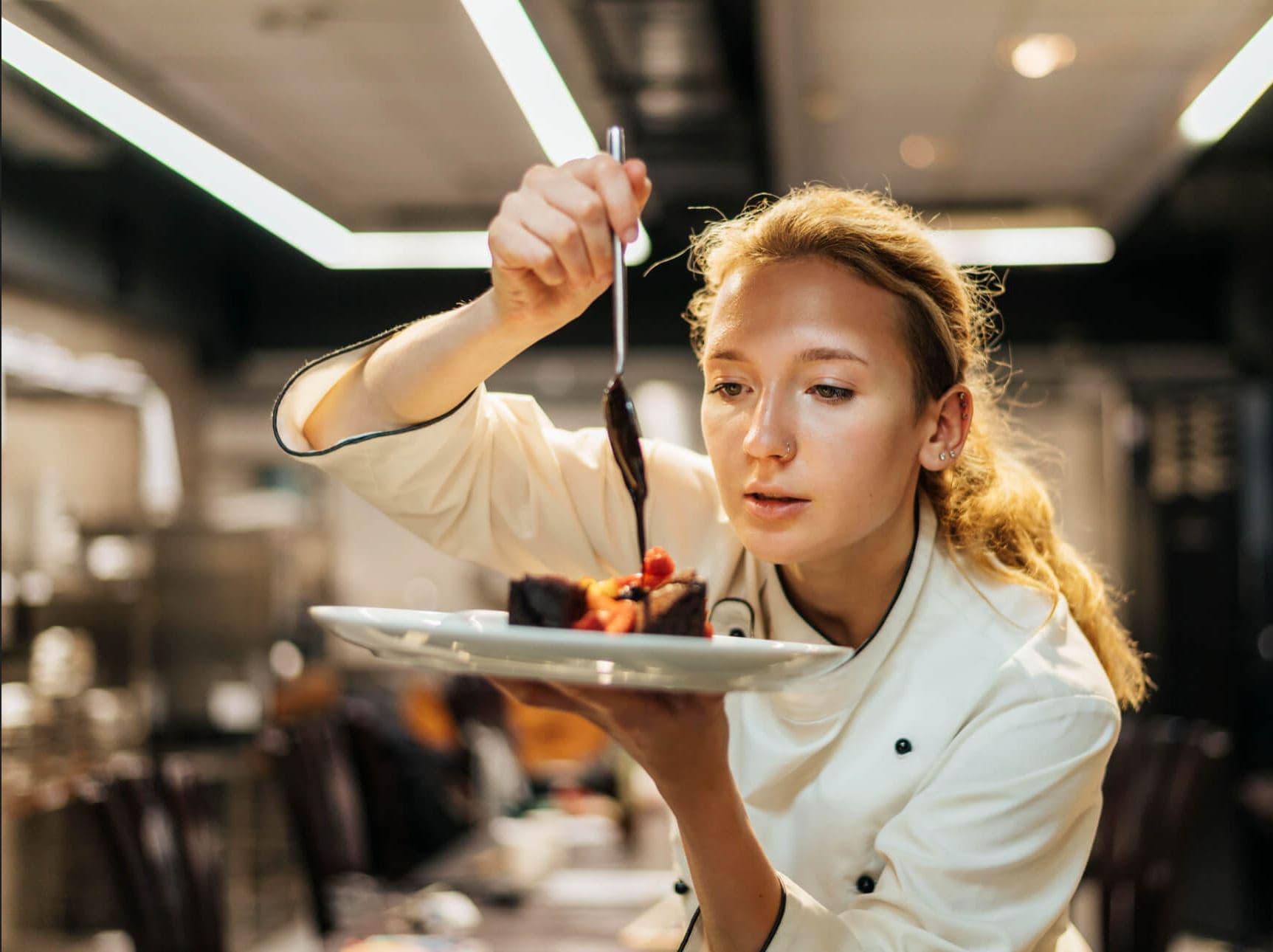
Orders from the till, QR ordering and the online store appear in the kitchen in one view. The chef can focus on the plate, because orders don't get lost between the floor and the kitchen.
Read how orders reach the kitchen →Our customers


What a full room needs
These work in the same POS on the floor and in the kitchen. Open a card to see how it works on a Friday night.
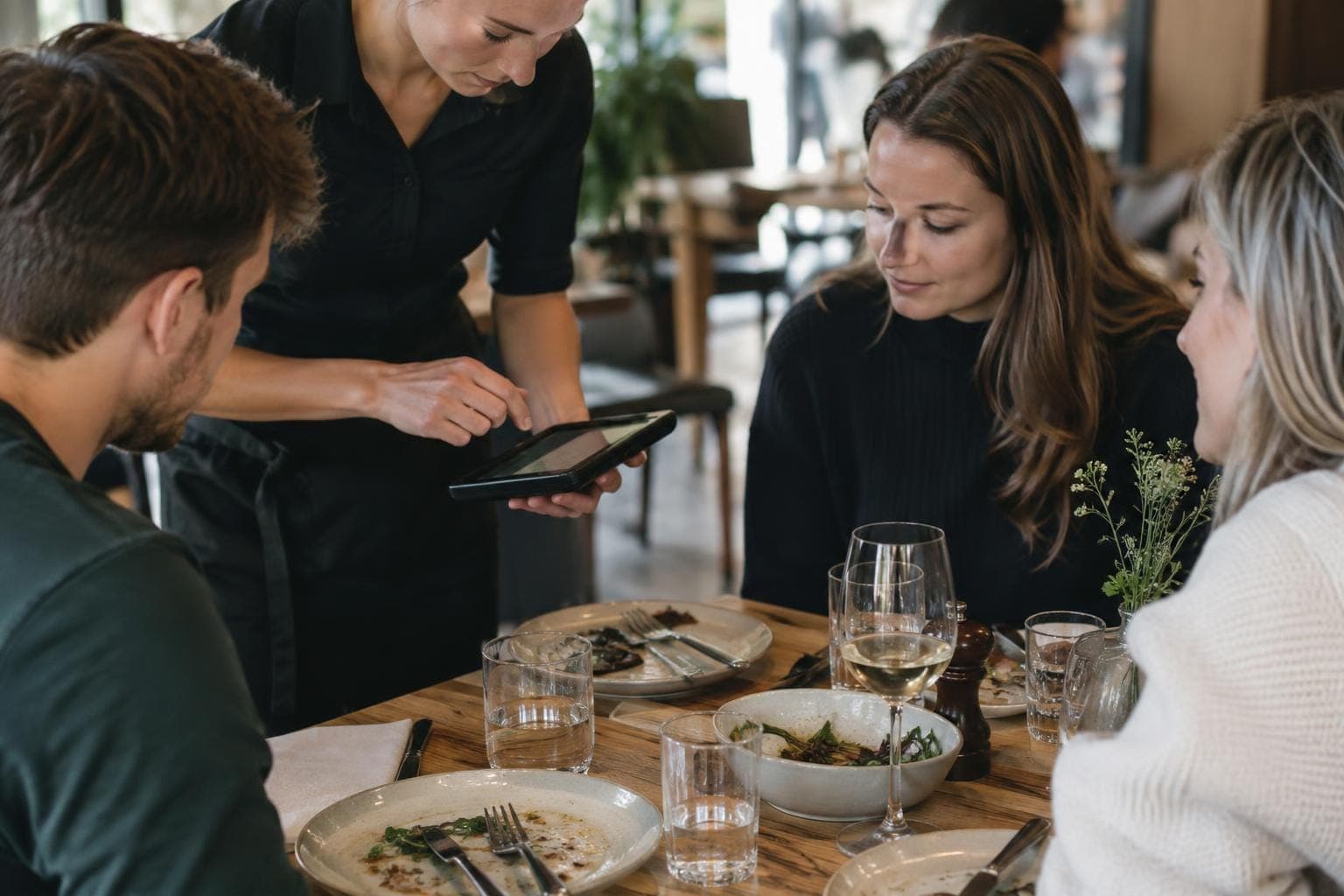
Table management
Split the bill. Keep service flowing.
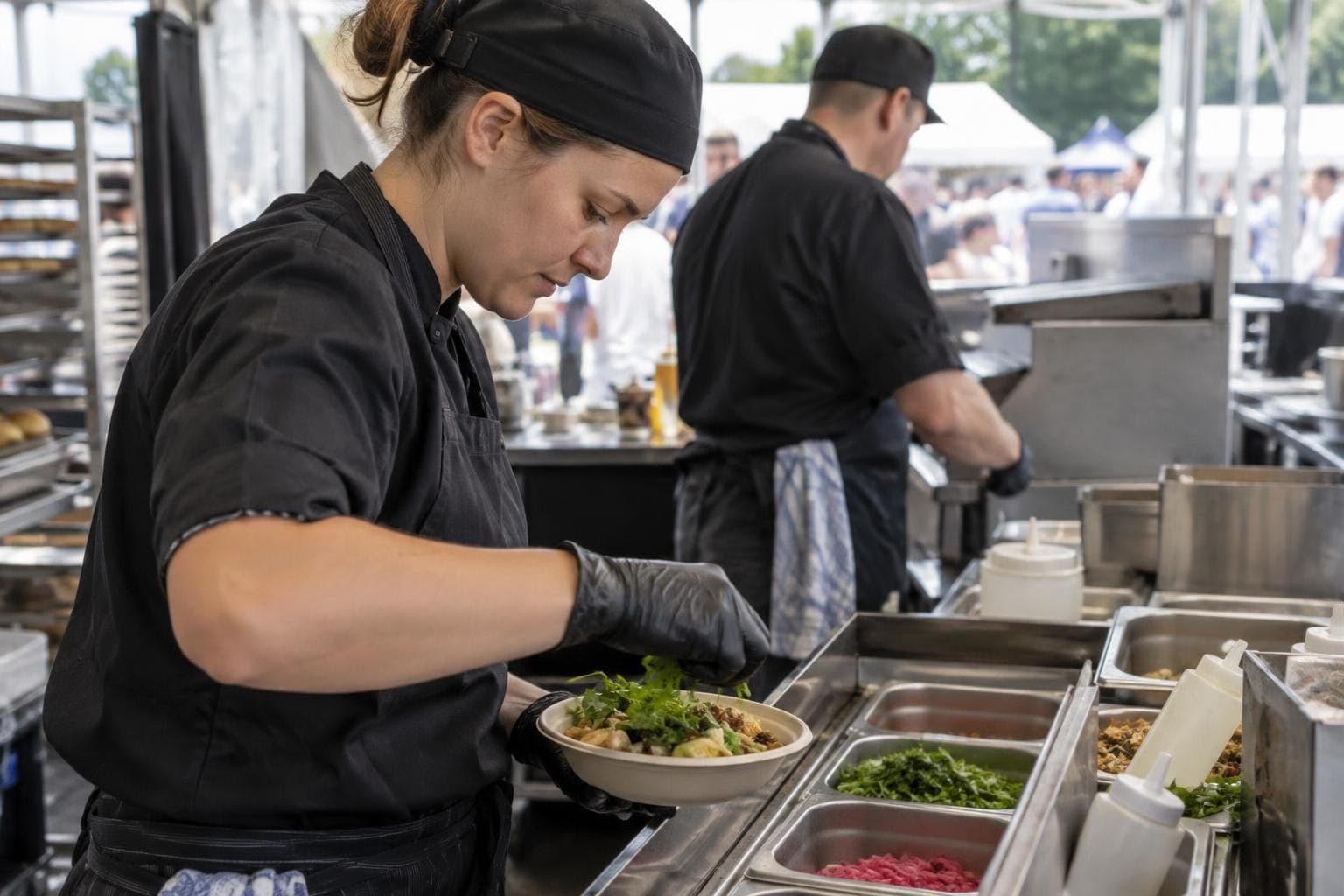
Kitchen communication
Keep your kitchen and sales in sync.
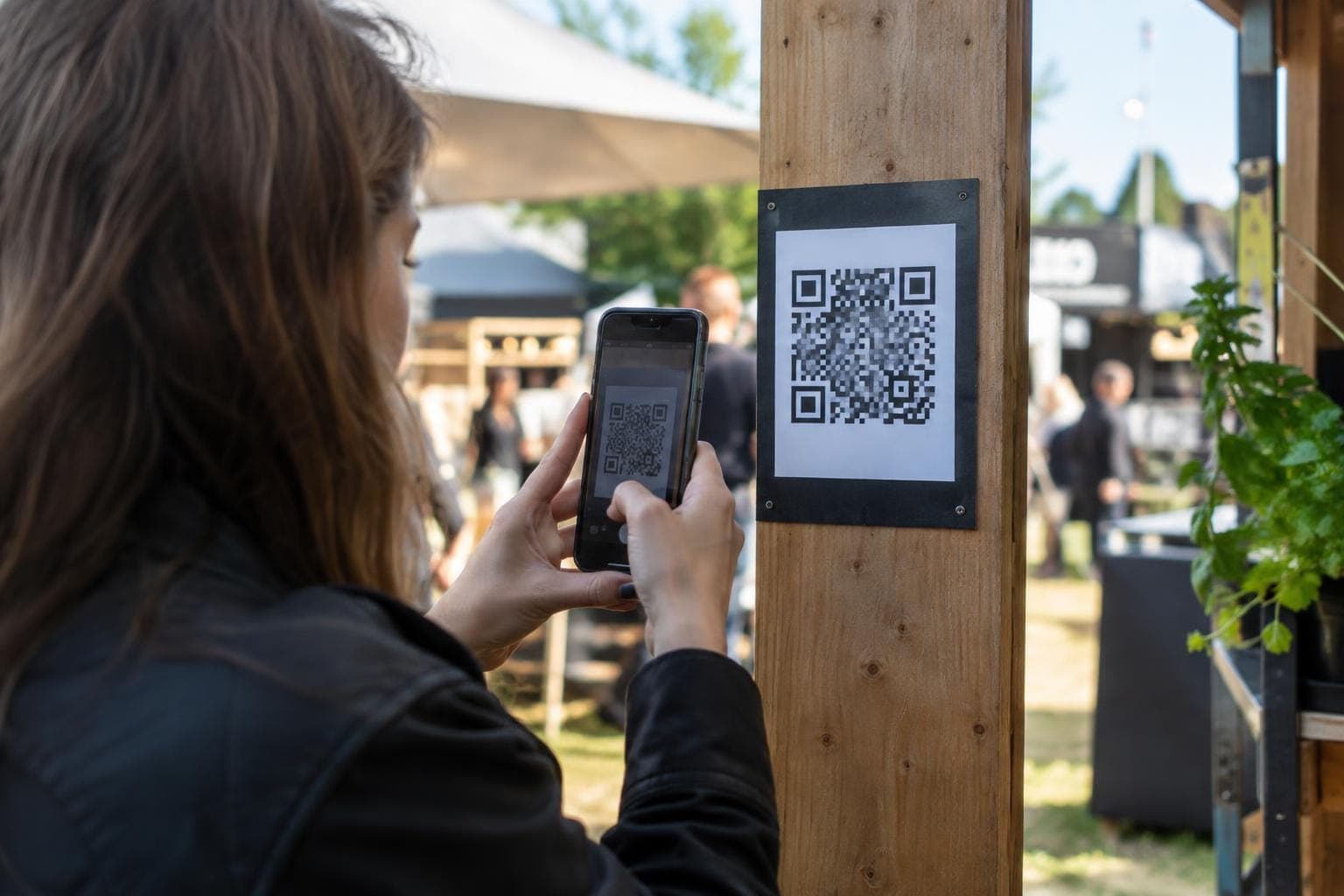
QR self-service
Sell on-site from a QR code: the customer orders for pickup or the table and pays.

Reporting
Know what sells, and where.
Loyalty
Bring customer rewards to the checkout.
Warehouse
Keep sales and stock in sync.
Ready before the first evening
We prepare your products and devices in advance and plan the rollout around your opening hours.
1
We look at your floor and kitchen
A specialist visits you. We go through your tables, kitchen and shifts, and look at where the evening gets stuck today.
2
Menu ready
Your menu, prices and VAT are imported from the old till where possible. We agree on the data to be transferred before setup. Devices arrive preconfigured.
3
Training
Basic training by video call is included in the setup fee. We cover sales and the other functions you need. On-site installation and training are arranged separately.
4
After the first evenings
We look together at how the first evenings went and adjust when needed. In the evenings and at weekends, help is a WhatsApp message away.
Frequently asked questions
Can the bill be split between guests?
Yes. The bill is split at the table in a few taps, and everyone pays their own share.
Do QR orders show up in the same kitchen view as floor orders?
Yes. Orders from the till, QR ordering and the online store appear in the kitchen in the same view.
Do we have to close while the till is replaced?
We plan the switchover around your opening hours and prepare products and prices in advance. On-site installation is arranged separately.
How fast does a new waiter learn the till?
The basic till functions are quick to learn. A clear interface makes it easier to train extra evening staff.
Let's look at your floor and kitchen together.
The demo is free and comes with no commitment. A specialist gets back to you within one working day and can visit you on site.