
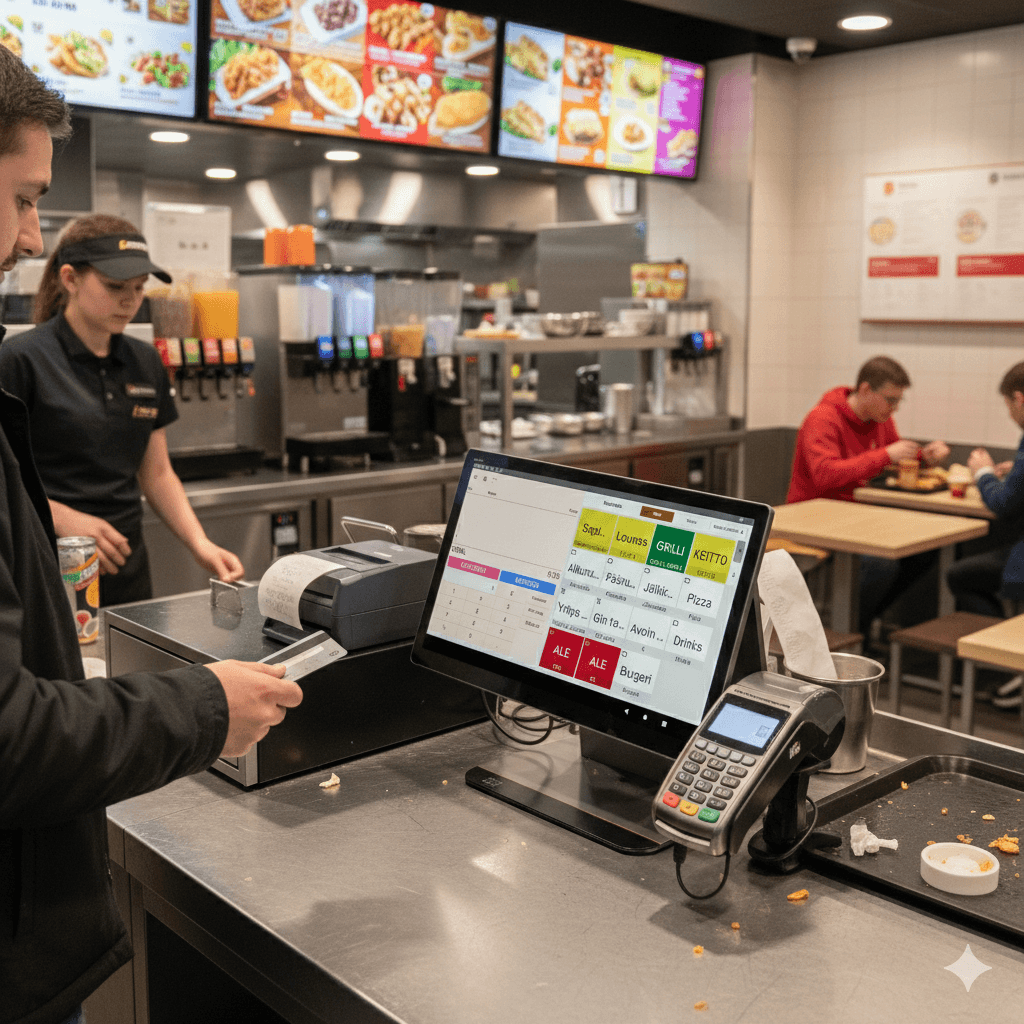
POS for quick service restaurants
Every order into one kitchen.
- A ready till from €79/month
Device, software and payment terminal, excl. VAT.
- Each additional till €39/month
+ device and payment terminal. Every additional till costs less than the first.
We answer in 13 seconds on average
WhatsApp in the evenings and at weekends too. A replacement device fast when you need one.
Counter, pickup and online at once. You see every order in one place.
Friday night. Five people are queuing at the counter, three bags on the pickup shelf are waiting to be collected, and a new online order arrives at the same time. The new employee is in their first week.
When the counter, pickup and online orders live in different systems, the mistakes reach the guest: the wrong meal, a needless wait, and the question of whether the order is ready yet.
The same Friday night with Solmio. Some guests order at the self-service checkout or on their phone, and the counter queue stays short. The kitchen sees every order on the same screen, and the pickup screen tells guests when their food is ready. The new employee can focus on serving, not on working out where an order came from.
Guests order on their own
At a self-service checkout or with a QR code, guests choose, pay and wait for their order. The counter serves those who want to order from staff.
Every order in one view
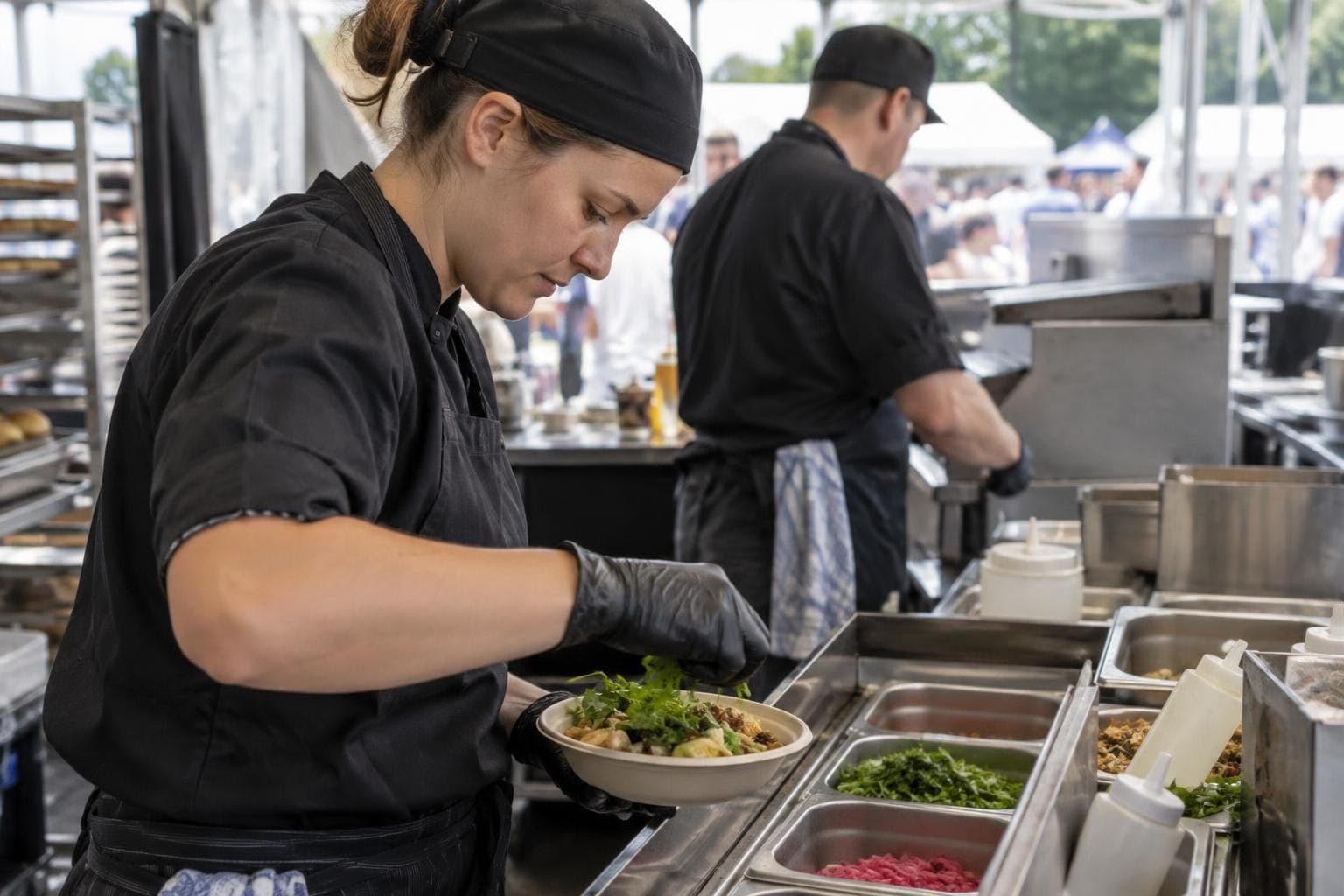
Orders from the counter, self-service, QR ordering and online appear in the kitchen in the same place.
Guests see where their order is
A screen at the pickup point or the guest's own phone shows the order status. Fewer people ask at the counter whether their food is ready.
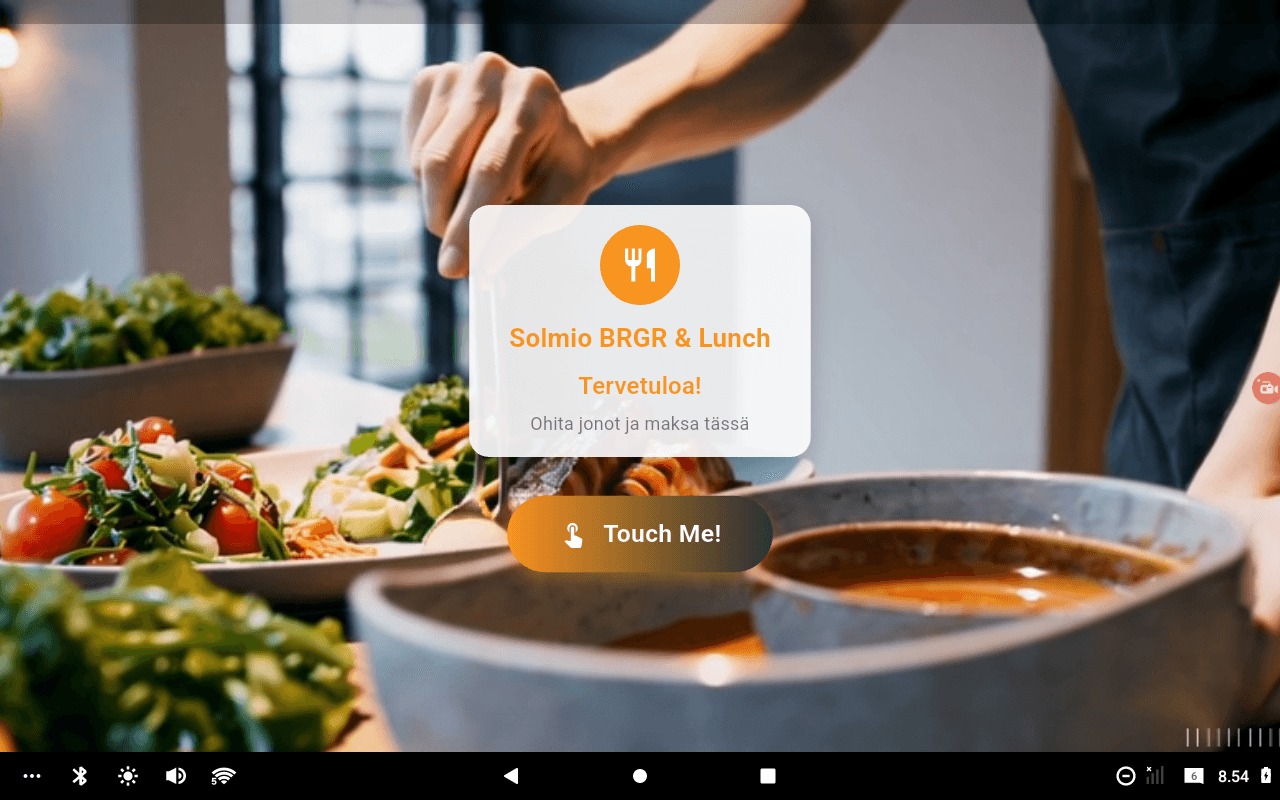
Skip the queue and pay here
The self-service checkout runs on the same device as the staffed till. In the rush it switches to self-service, and in quiet hours back to a counter till.
Read about self-service checkout →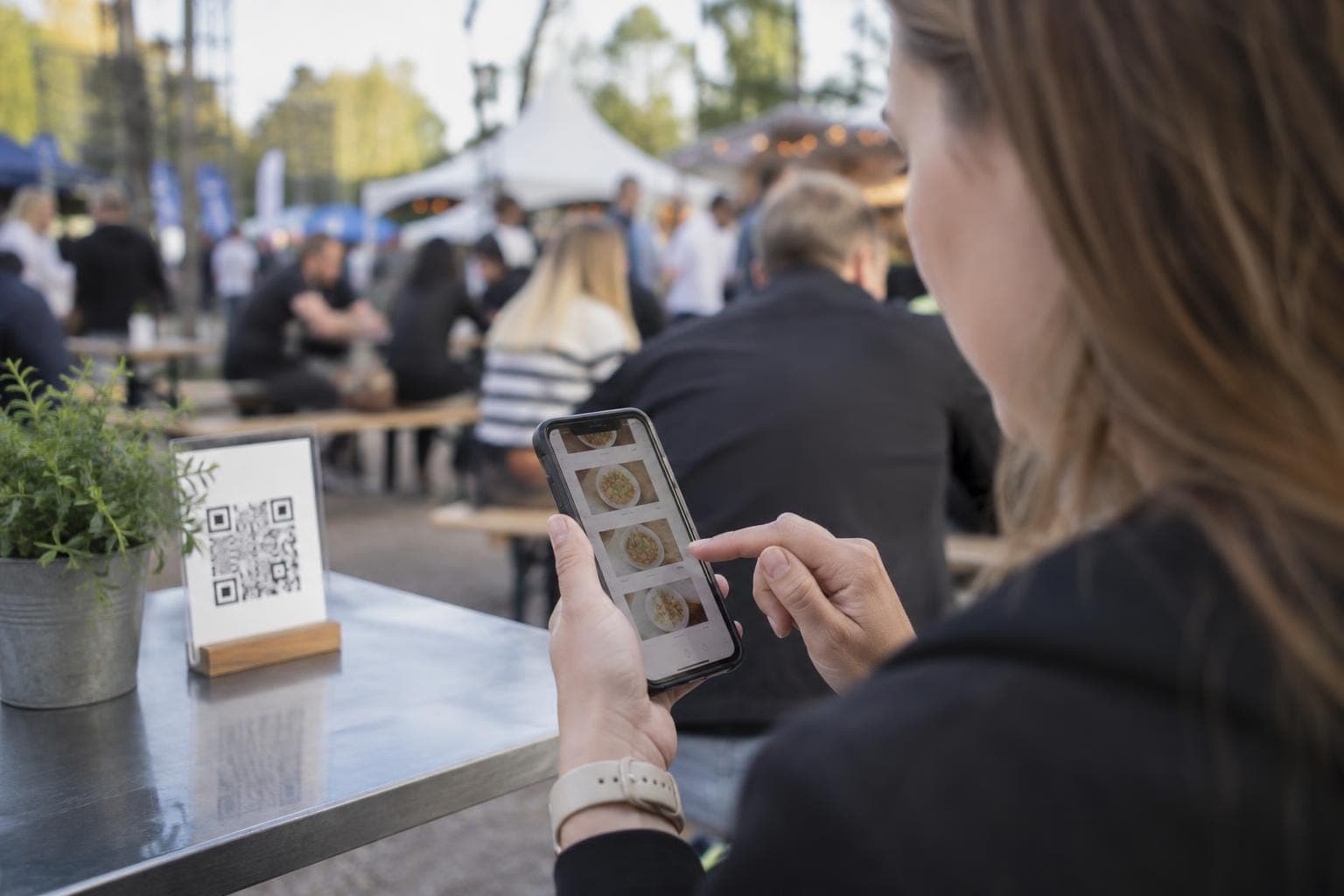
A QR code for the table or pickup
Guests open the menu on their phone without an app, choose pickup or table delivery and pay on their own. The menu has product search and allergen filters.
Read about QR self-service →Our customers


What the rush needs
Counter, self-service, QR ordering and online orders in the same POS. Open a card to see how it works on a Friday night.
Self-service checkouts
More service. Less waiting.
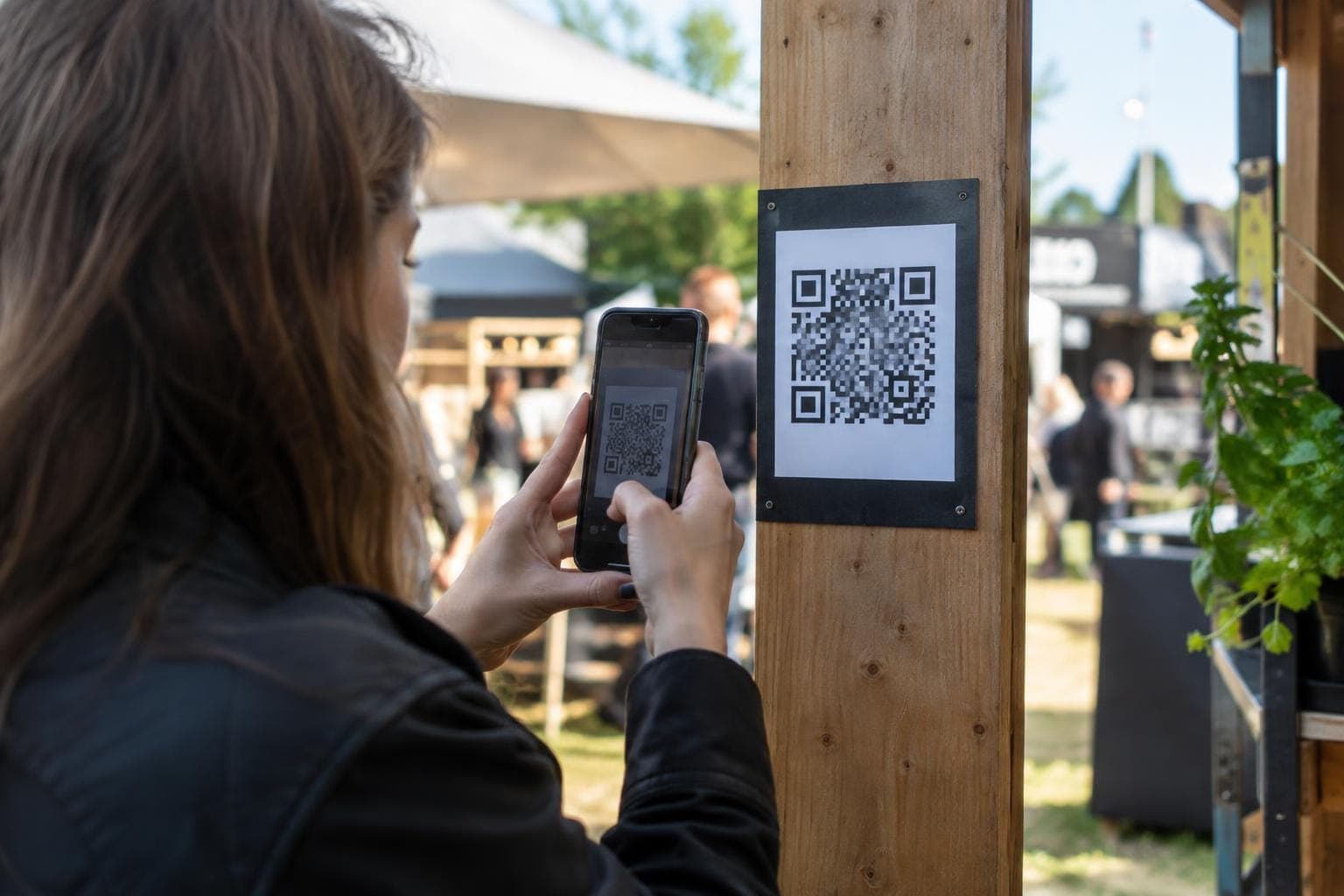
QR self-service
Sell on-site from a QR code: the customer orders for pickup or the table and pays.
Customer display
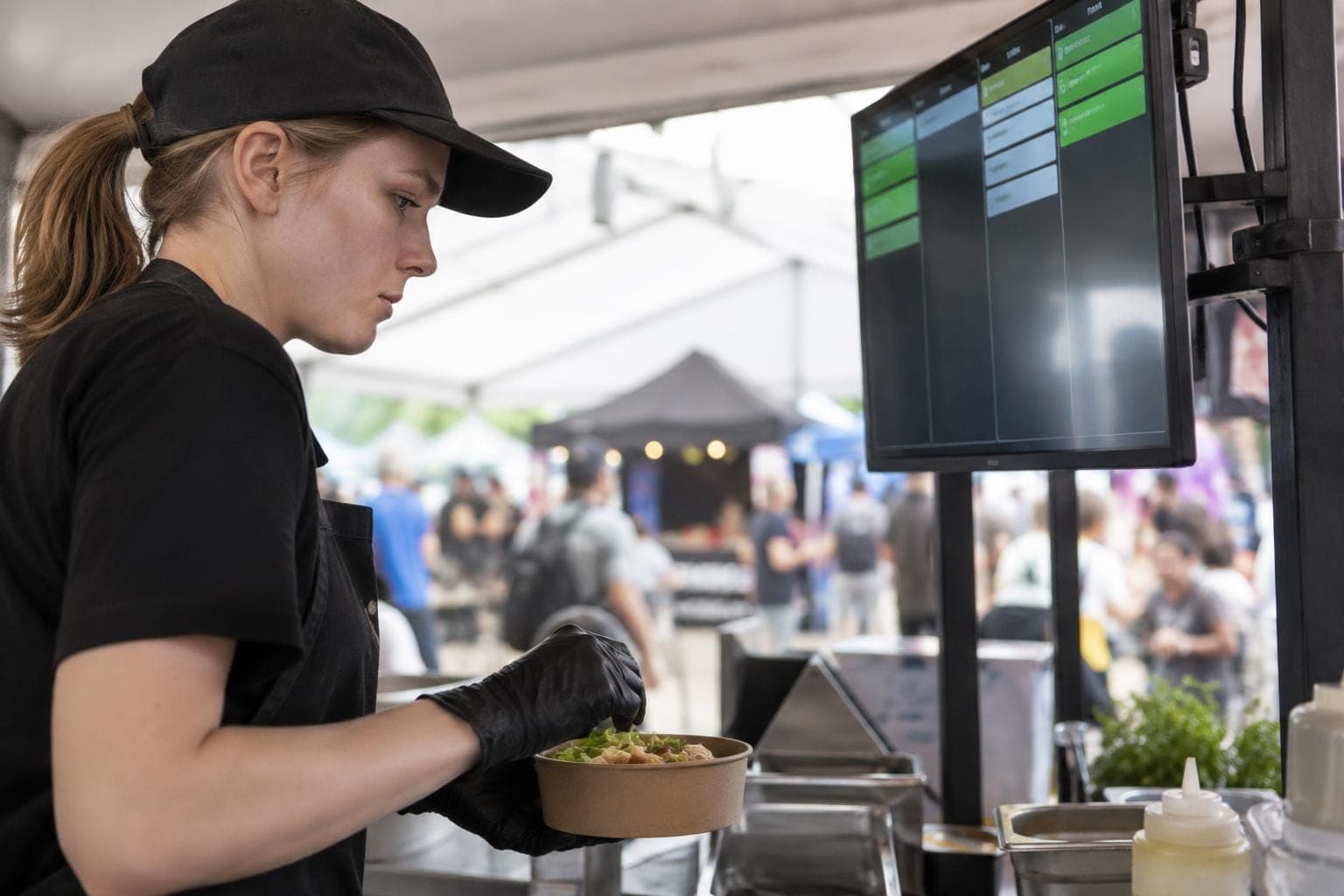
Show customers how their order is progressing.
Kitchen communication
Keep your kitchen and sales in sync.
Webshop
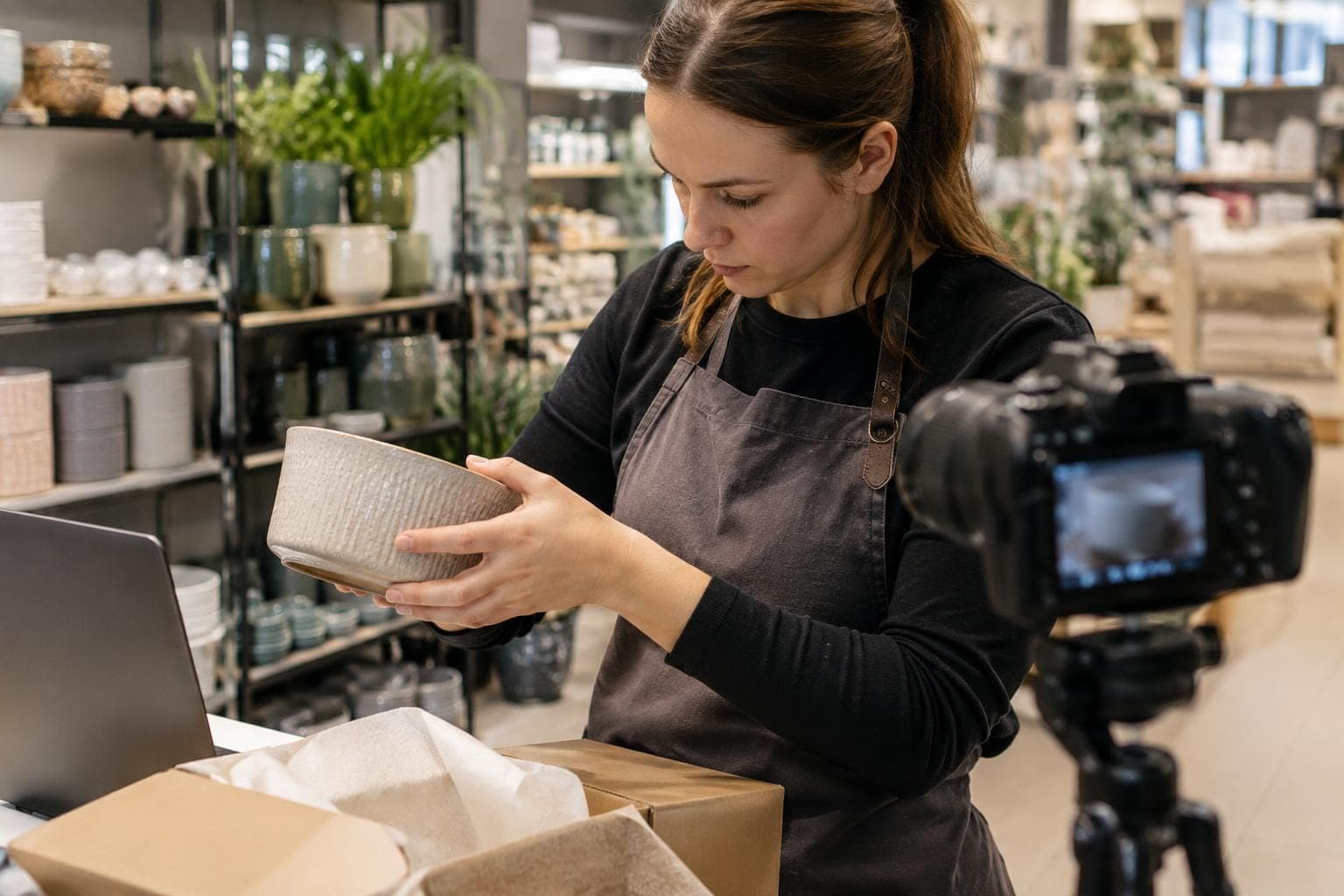
Take your sales online with the same POS.

Reporting
Know what sells, and where.
Ready before the first rush
We prepare your products and devices in advance and plan the rollout around your opening hours.
1
We look at your counter and kitchen
A specialist visits you. We go through your counter, pickup, online orders and kitchen, and work out where a self-service checkout should go.
2
Menu ready everywhere
Products, prices and VAT are imported from the old till where possible. The same menu is ready at once at the counter, at self-service and on the phone.
3
Training
Basic training by video call is included in the setup fee. We cover sales and the other functions you need. On-site installation and training are arranged separately.
4
Still there after the first rush
We look together at how the rush went and adjust when needed. In the evenings and at weekends, WhatsApp customer service is there to help.
Frequently asked questions
Do we need a separate device for self-service?
No. The mode switches on the same device, and self-service adds no second monthly fee.
Do online orders show up in the same kitchen view?
Yes. Orders from the till, QR ordering and the online store appear in the kitchen in the same view.
Can guests follow their order?
Yes. The status can be shown on a screen at the pickup point, or guests follow it on their own phone through QR ordering.
Do guests need to download an app?
No. QR ordering opens on the phone without a separate app.
Let's look at your Friday night together.
The demo is free and comes with no commitment. A specialist gets back to you within one working day and can visit you on site.