
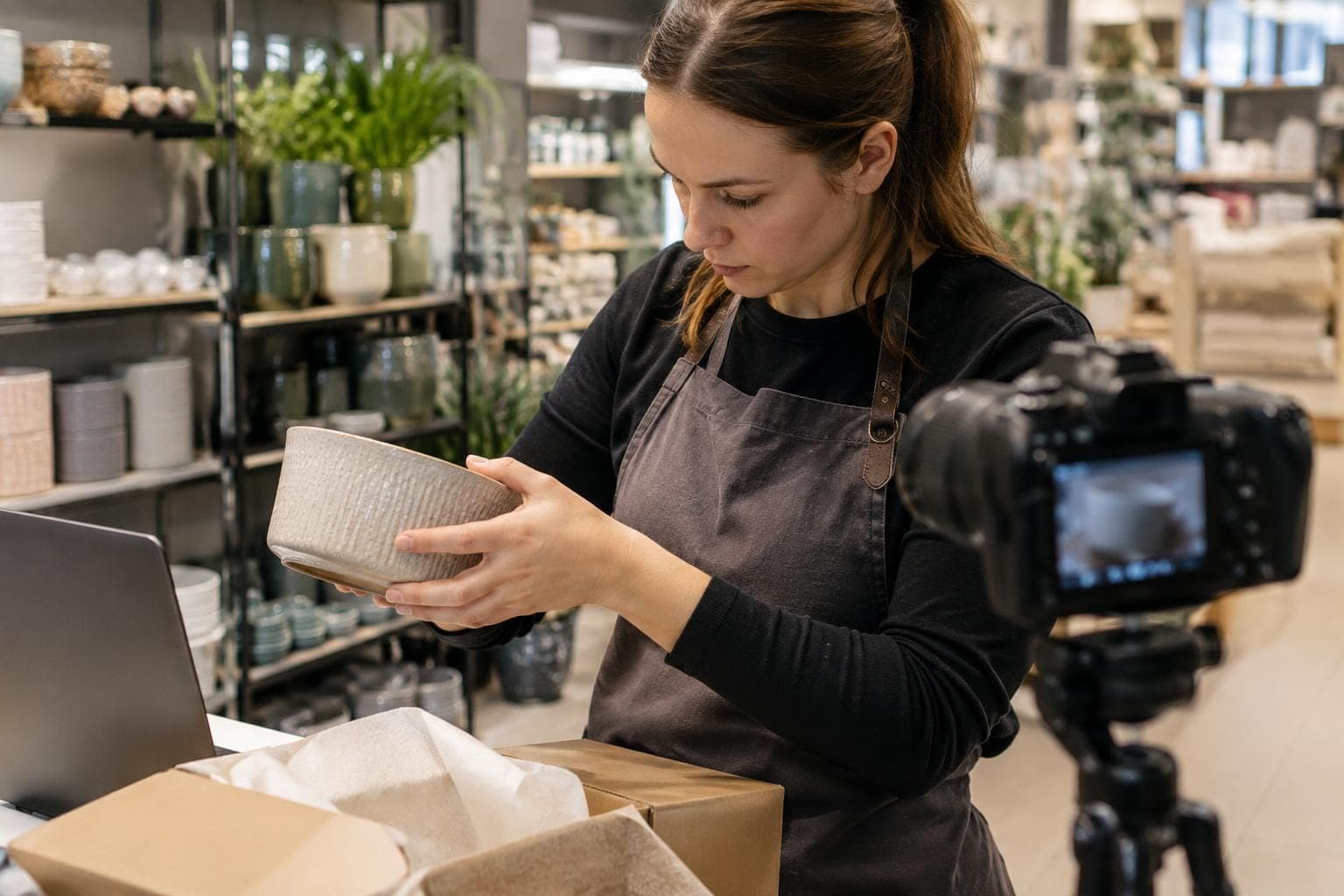
Advance sales, table orders and a webshop
The customer pays online. The sale is already in the till.
A till queue only sells what the customer has time to buy while standing there. In the Solmio webshop the customer buys the same products from a link, a table code or an event voucher shop. They pay themselves, and the sale is recorded on the same sales point as in-person sales.
The sale starts before the till
The customer buys a product, a voucher or a dish when it suits them. The price and VAT match the counter.
The euro in the same day's sales
A paid order is sales on the sales point you choose. The day's figure comes from one till.
The order is ready for the shift
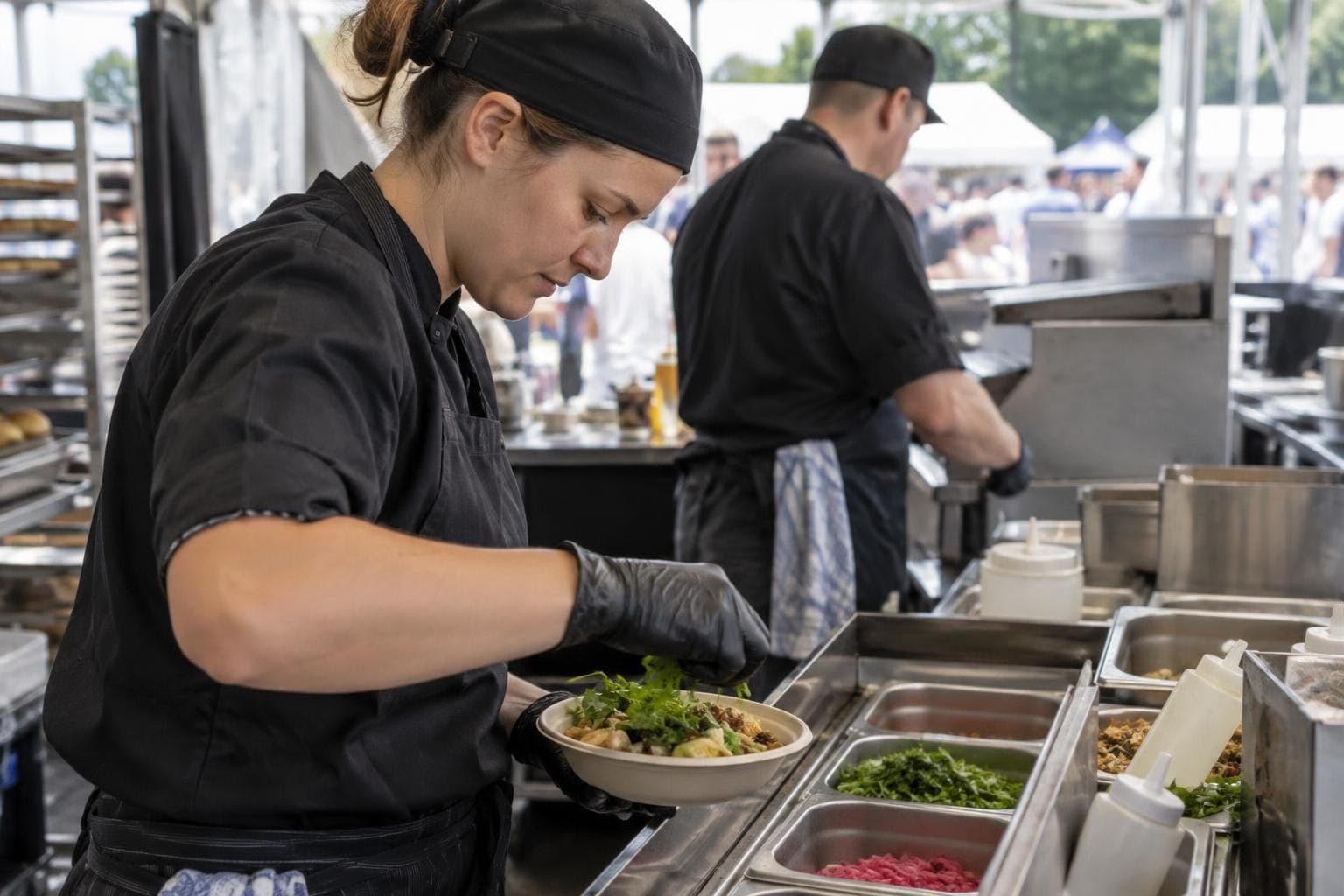
The kitchen gets the paid dish, the till reads the voucher and the event kitchen gets a picking list. The shift continues from where the customer left off.
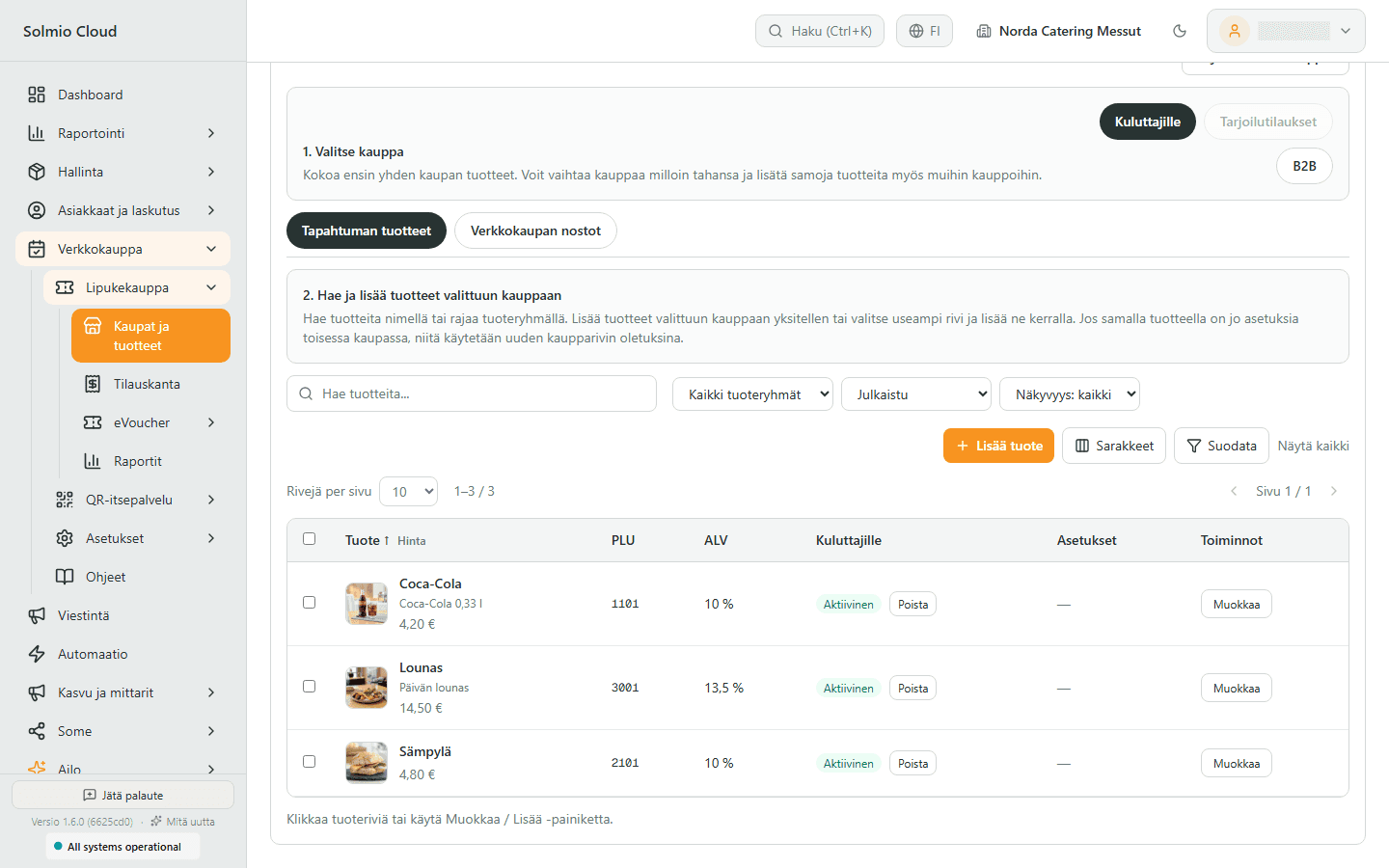
Put a counter product on sale online
The shop sells products you already sell at the counter. The customer pays themselves, and the sale is recorded on the sales point you already follow.
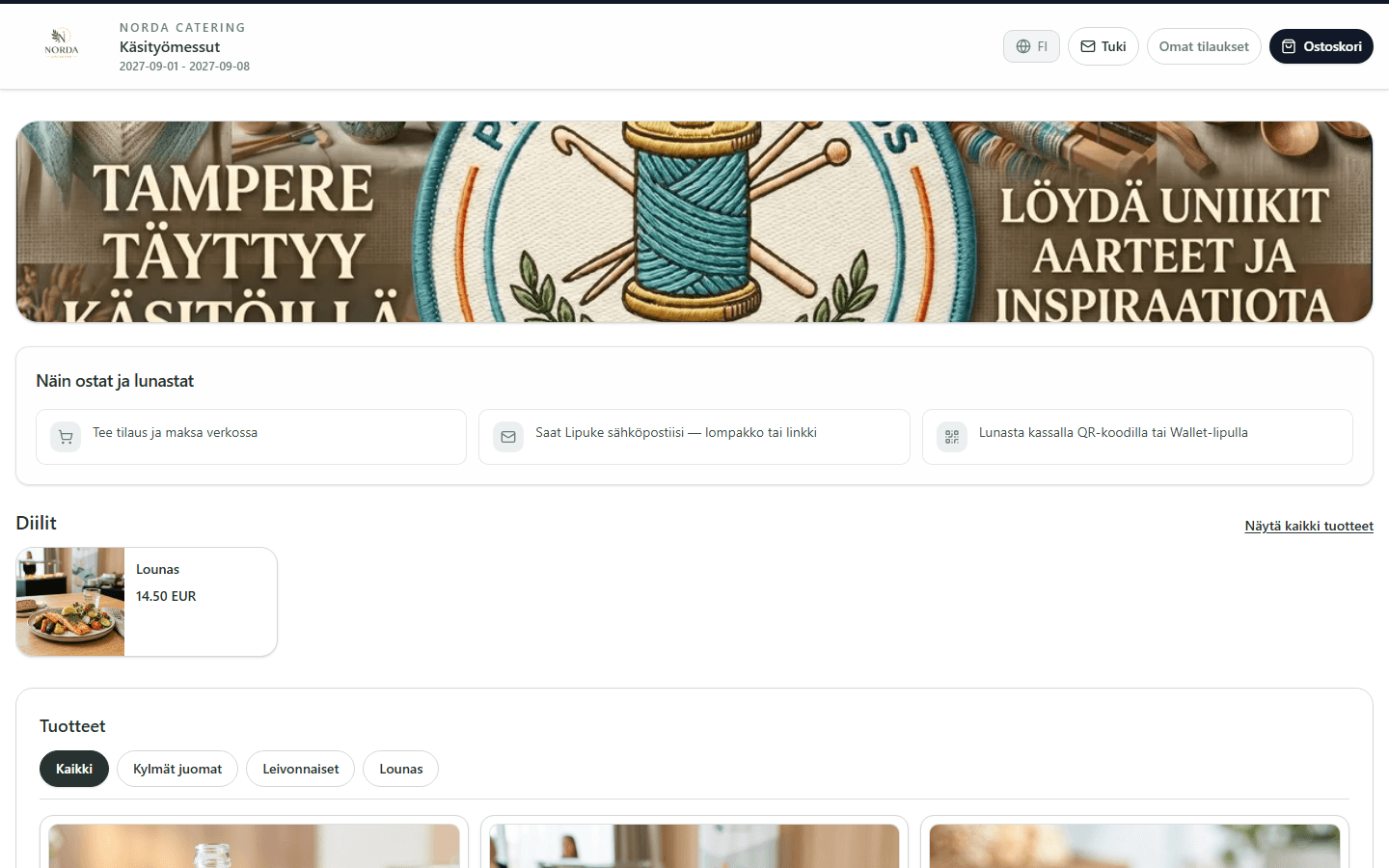
Sell lunch and drinks before the queue
The customer buys a voucher online and receives it on their phone. At the event the till reads the code, and the payment is already done.
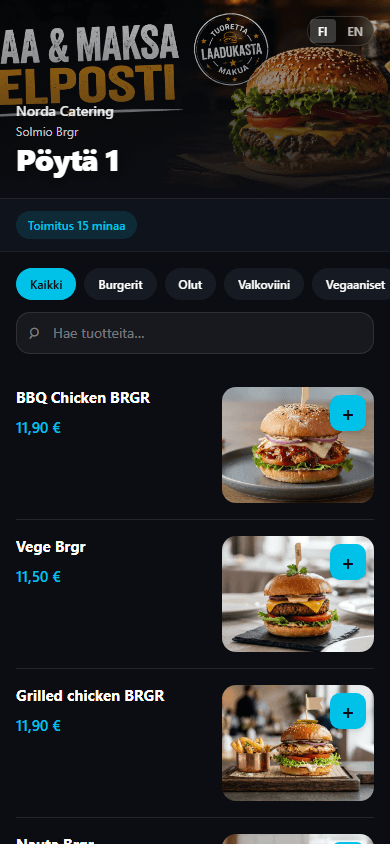
The table sells when the room is full
The customer orders and pays on their phone. The dish goes to the kitchen after payment, and the sale is already in the till.
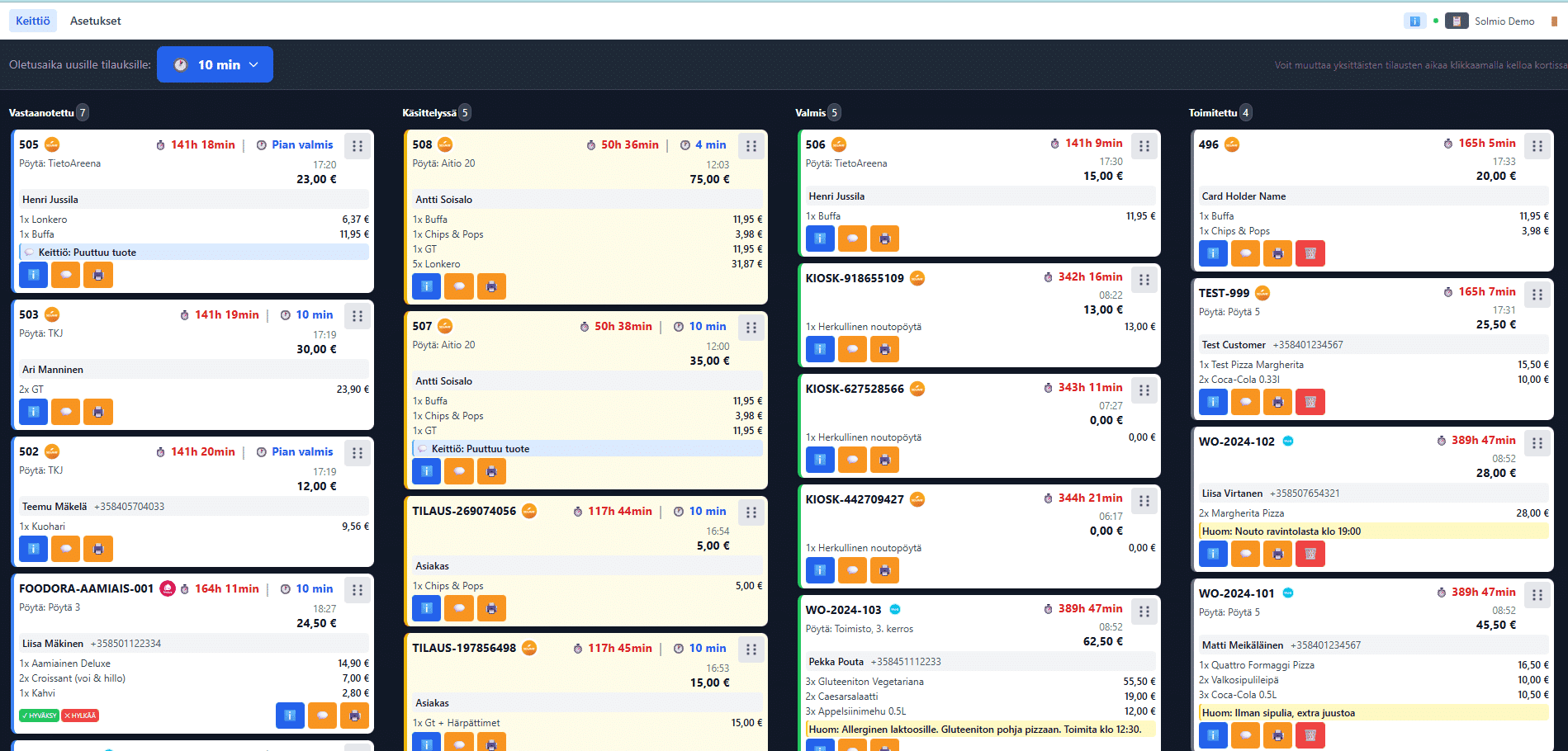
The exhibitor orders, the kitchen sees the quantities
The stand and delivery time come with the order. The kitchen gets a picking list, the server a work queue, and the invoice goes out from the same service.
Features for your everyday work
Explore the tools selected for this solution. Open a feature to see how it helps your business.
Explore all features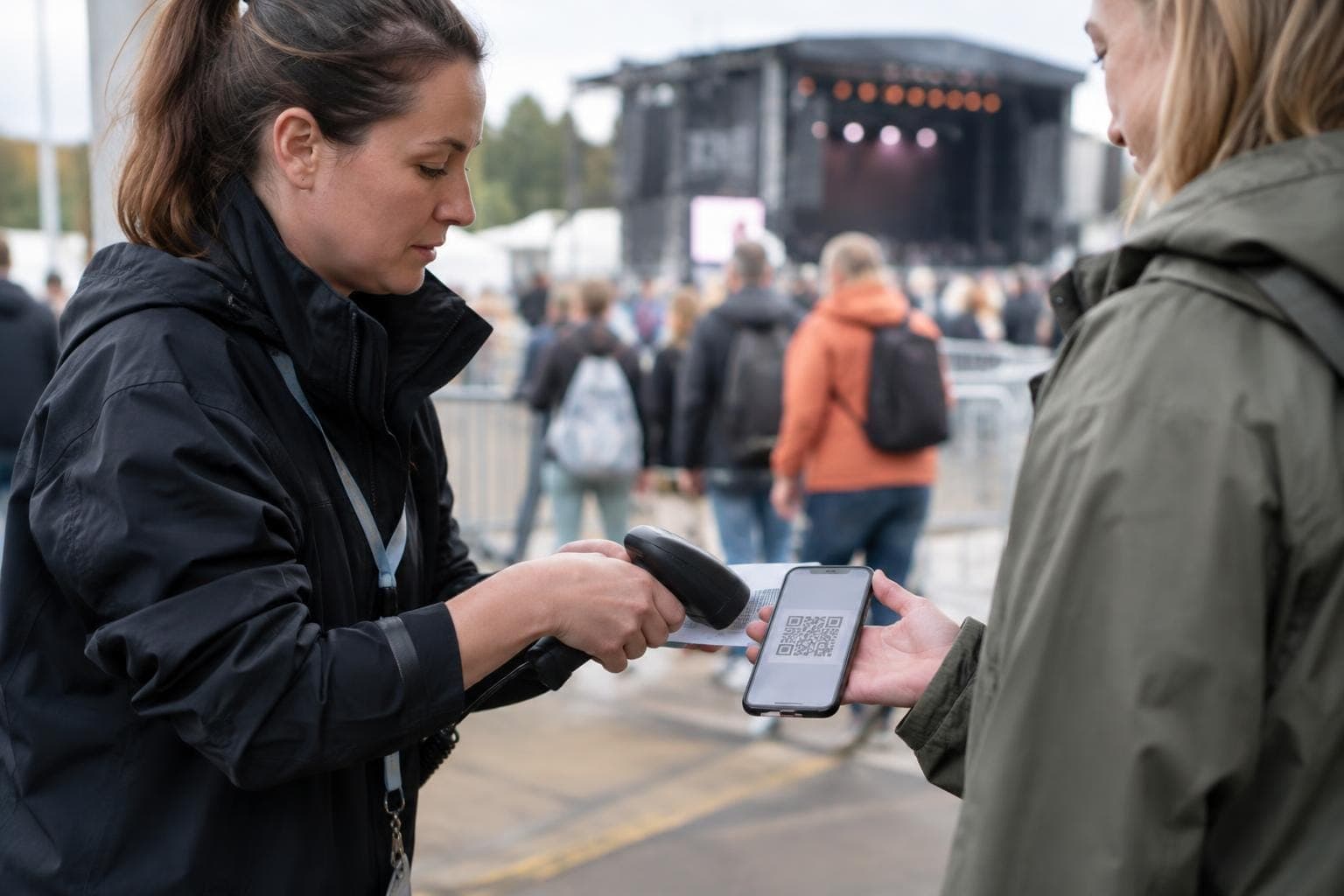

How the shop starts selling
In the meeting we choose what the customer can buy and where the money is recorded. The quote is based on that.
1
What you sell
Till products the customer buys online. Price and VAT come with them.
2
Where the money is recorded
The sales point you already use for the day's sales. An online purchase joins the same figure.
3
Where the customer buys
A link to share, a QR code on the table, a voucher on the phone, or an order to an exhibition stand.
4
What the shift sees
Sales in the reports. An order in the kitchen or a voucher at the till, depending on what you sell.
Common questions
Do I have to keep two price lists?
One price list is enough. The shop uses the same products, prices and VAT as the till.
Do online sales show up in the same day's figures?
Yes. A paid order is sales on the sales point you choose, in the same report as in-person sales.
Can I sell event food in advance?
Yes. The customer pays for the voucher online, receives it on their phone and shows the code at the till. The sale is recorded when they buy.
What does a restaurant get from this in a rush?
The customer orders and pays from the table. The kitchen receives only paid dishes, and the sale is in the till as soon as the payment is done.
What do we decide in the meeting?
What you sell online, which sales point the money is recorded on, and how the customer buys. The quote is based on that.
The customer pays online. The sale is already in the till.
The demo is free and comes with no commitment. A specialist gets back to you within one working day and can visit you on site.